1
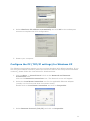
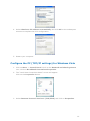
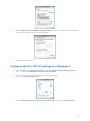
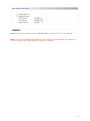
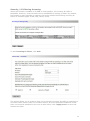
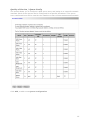
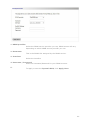
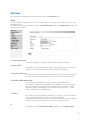
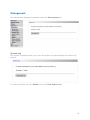
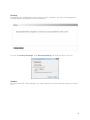
4. Select Obtain an IP address automatically and click on OK on the subsequent
screens to complete the PC’s configuration.
5. Restart your computer.
Configure the PC (TCP/IP settings) for Mac OS 9.x
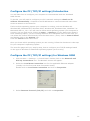
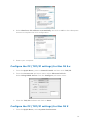
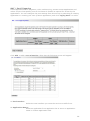
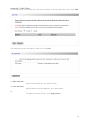
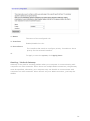
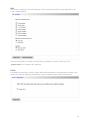
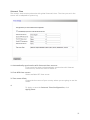
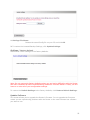
1. From the Apple Menu, point to Control Panels and then click TCP/IP.
2. From the Connect via pull-down menu select Ethernet built-in.
Select Using DHCP Server from the Configure pull-down menu.
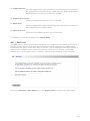
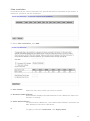
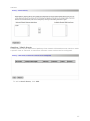
3. Close the TCP/IP windows and click on Save.
Configure the PC (TCP/IP settings) for Mac OS X
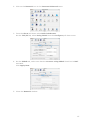
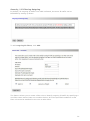
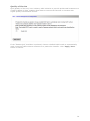
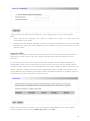
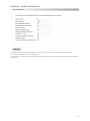
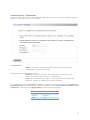
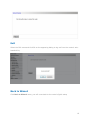
1. From the Apple Menu, select System Preferences.
14