1
228
Essential apps
2.
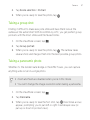
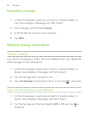
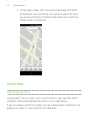
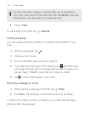
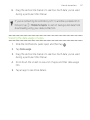
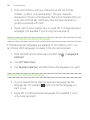
Tap
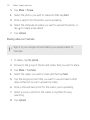
> Share note.
3.
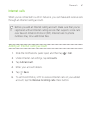
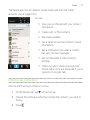
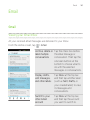
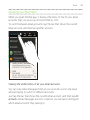
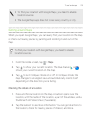
Choose how you want to share your note.
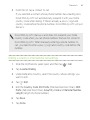
§ For most sharing options, notes are automatically converted and
sent as images.
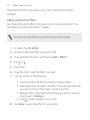
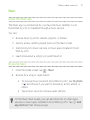
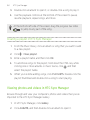
§ To print a note, tap > Print. The Droid DNA by HTC and the
printer should be connected to the same Wi-Fi network.
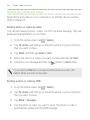
Syncing notes
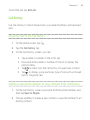
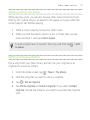
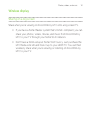
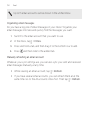
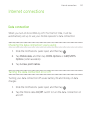
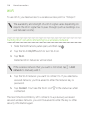
You can choose whether to automatically or manually sync your notes
between Droid DNA by HTC and your Evernote account on the Web.
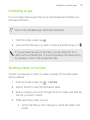
You need to log in to your Evernote account from Droid DNA by
HTC to start syncing notes.
1.
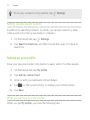
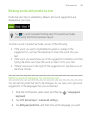
From the Home screen, tap
> Notes.
2.
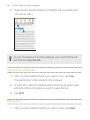
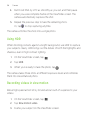
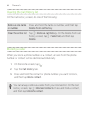
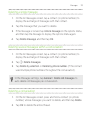
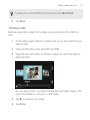
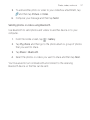
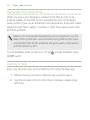
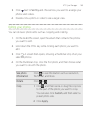
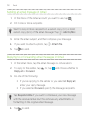
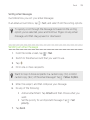
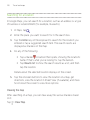
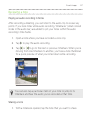
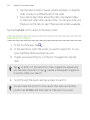
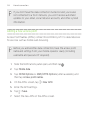
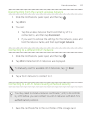
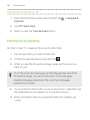
To manually sync notes, tap , and then tap Sync.
3.
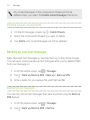
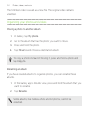
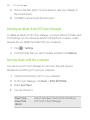
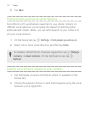
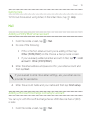
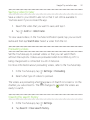
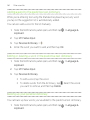
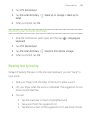
To set Notes to automatically update, tap on the All notes screen,
and then tap Settings > Accounts and sync.
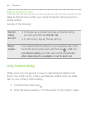
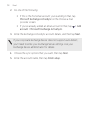
4.
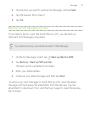
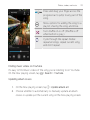
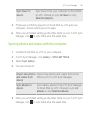
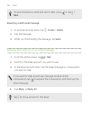
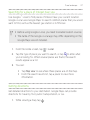
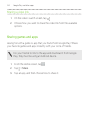
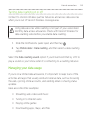
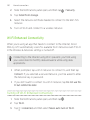
Tap your Evernote account, and then customize your sync settings.