1
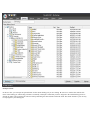
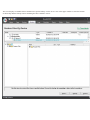
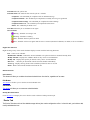
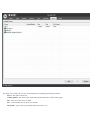
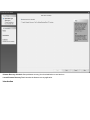
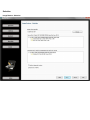
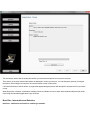
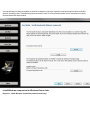
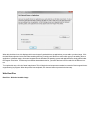
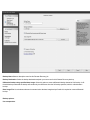
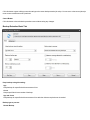
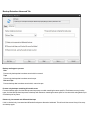
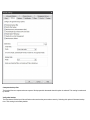
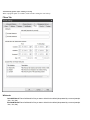
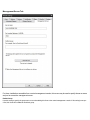
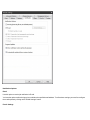
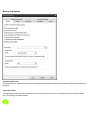
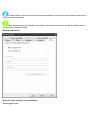
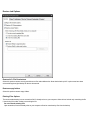
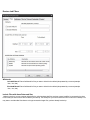
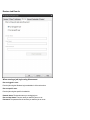
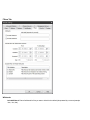
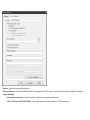
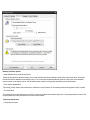
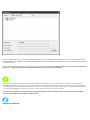
When this checkbox is set, this displays the list used to specify optional drivers or applications you can add to your boot image . Click
the Add / Browse button to select the folder containing the files you wish to add. Be sure to select which type you are adding, driver or
application. In the Boot Image, drivers are integrated into the Windows PE operating system and applications are simply placed under
the Program Files folder. To delete any item that has been added to the list, just select that item in the list and click the Remove button.
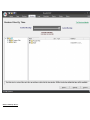
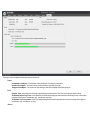
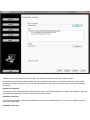
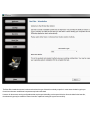
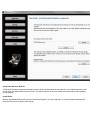
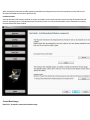
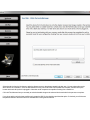
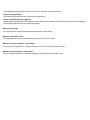
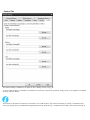
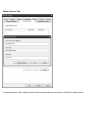
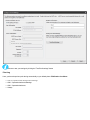
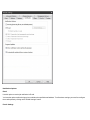
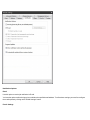
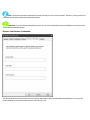
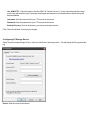
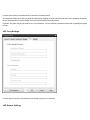
To complete this step, click the Create Image button. This will begin the various processes needed to create the Boot Image with messages showing its progress. When the process has completed, click the next button to proceed to the last step.
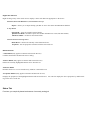
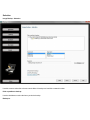
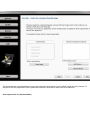
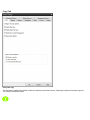
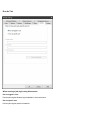
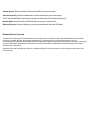
Write Boot Disc
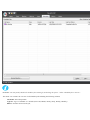
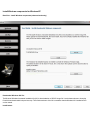
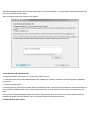
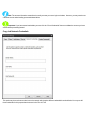
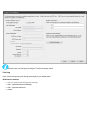
Boot Disc - Write the bootable image