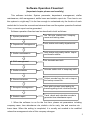
1
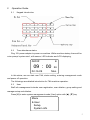
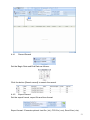
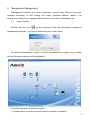
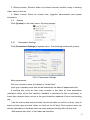
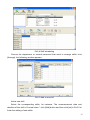
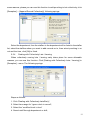
2. Shortcut button: Shortcut button of common function module, array in working
order, easy to work on
3. Status column: Show the current time, logged-in administrator and system
information.
5.2
System
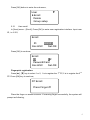
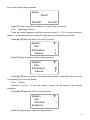
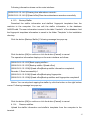
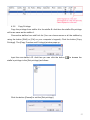
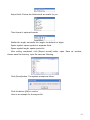
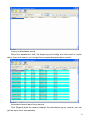
Click [System] on the main menu, following springs:
5.2.1
Parameters Settings
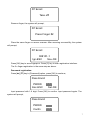
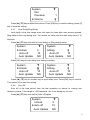
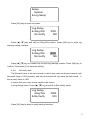
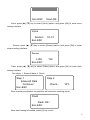
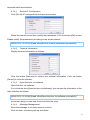
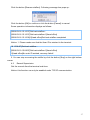
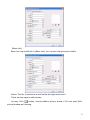
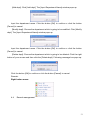
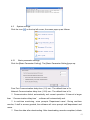
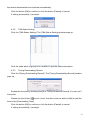
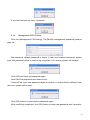
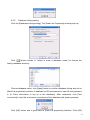
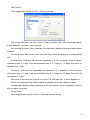
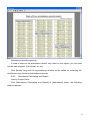
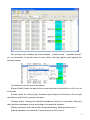
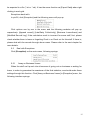
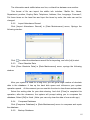
Click [Parameters Settings] in system menu. The following window will prompt:
Pic5.1 Parameters Settings
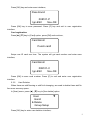
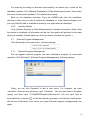
Basic parameters:
Set your company name, the default is “Head office”
Input your company name that will be deemed as the head of departments list.
A working day count as how many minutes is the base for time attendance
calculation which will be the transition standard to calculate the late to work/early to
leave /free overtime items, minute is the good transition standard of hours and working
day.
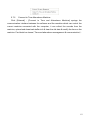
“Late for work as how many minutes” can be set when no clock-in on duty, “early to
leave as how many minutes” when no clock out for off duty. Free overtime work can
also be calculated on the base that how many minutes working after off duty time.
“Shift expand two days” is set under real condition.
68