1
Section 5 Debugging
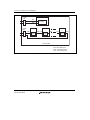
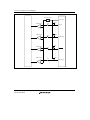
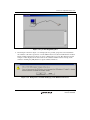
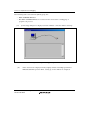
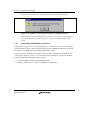
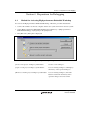
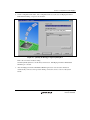
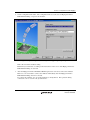
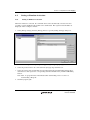
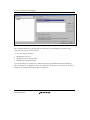
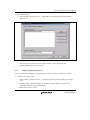
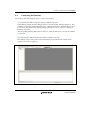
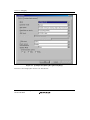
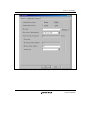
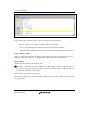
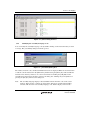
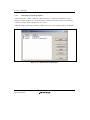
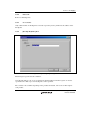
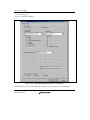
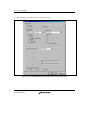
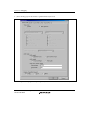
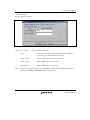
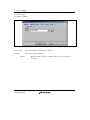
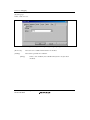
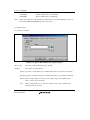
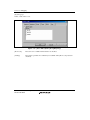
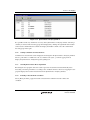
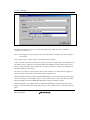
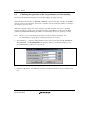
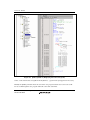
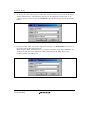
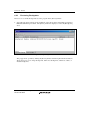
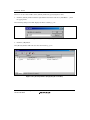
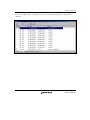
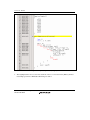
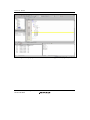
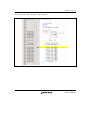
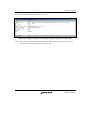
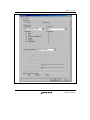
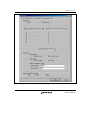
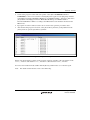
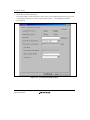
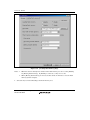
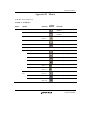
Figure 5.5 [Global Editor Column States] Dialog Box
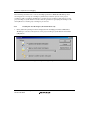
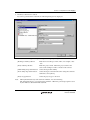
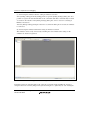
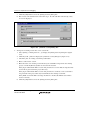
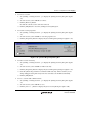
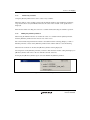
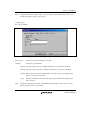
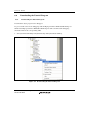
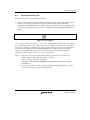
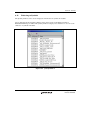
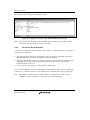
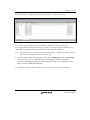
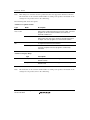
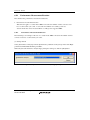
To switch off a column in one source file
1. Open the source file which contains the column you want to remove and click the [Edit]
menu.
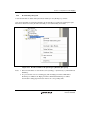
2. Click the [Columns] menu item to display a cascaded menu item. The columns are
displayed in this popup menu. If a column is enabled, it has a tick mark next to its name.
Clicking the entry will toggle whether the column is displayed or not.
5.2.3
Viewing the Assembly-Language Code
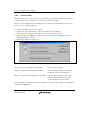
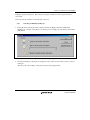
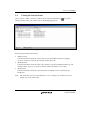
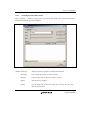
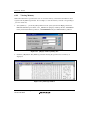
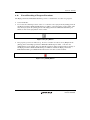
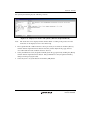
Click the [Disassembly] toolbar button at the top of the window when a source file is opened to
show the assembly-language code that corresponds to the current source file.
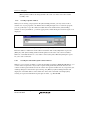
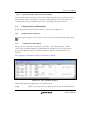
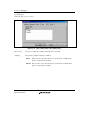
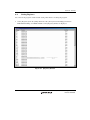
If you do not have a source file, but want to view code in the assembly-language level, either
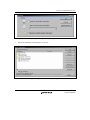
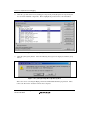
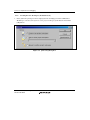
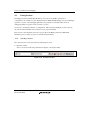
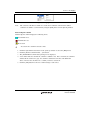
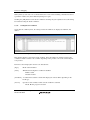
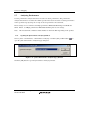
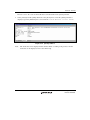
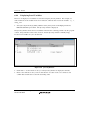
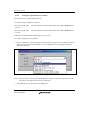
choose [View] -> [Disassembly…] or click the [Disassembly] toolbar button ( ). The
[Disassembly] window opens at the current PC location and shows [Address] and [Code]
(optional) which show the disassembled mnemonics (with labels when available).
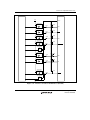
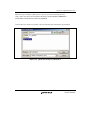
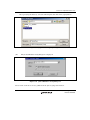
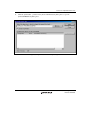
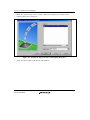
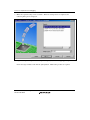
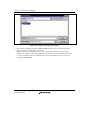
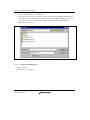
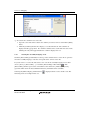
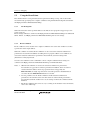
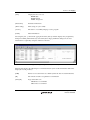
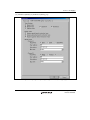
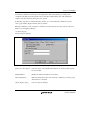
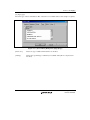
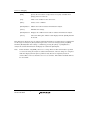
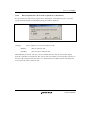
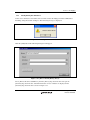
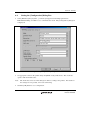
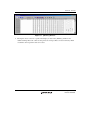
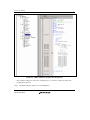
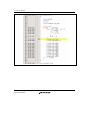
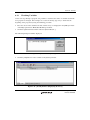
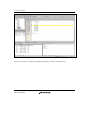
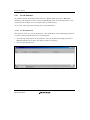
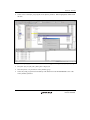
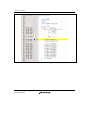
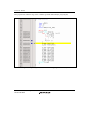
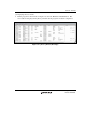
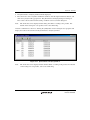
Selecting the [Mixed display] toolbar button (
following shows an example in this case.
Rev. 1.00 Nov. 26, 2007 Page 90 of 230
REJ10J1766-0100
) displays both the source and the code. The