1
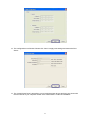
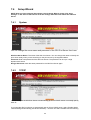
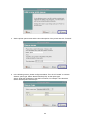
TCP/IP Settings” to manually assign “IP Address”, “Subnet Mask” and “Gateway” for the GDI Print
Server.
7.4.3
Save Settings
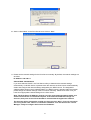
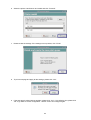
After configuring the GDI Print Server, you have to click the “Save Settings” to save the settings and
restart the system.
7.5
7.5.1
System Tools
Load Default
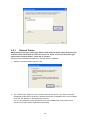
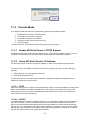
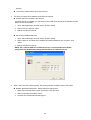
You can use this page to restore the factory default settings. Click “OK” and after the print server is
restarted, the process is completed. Be aware that all of your previous setup will be cleared.
7.5.2
Upgrade Firmware from Browser
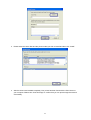
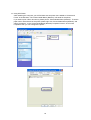
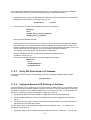
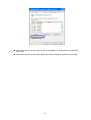
You can upgrade new firmware for this GDI Print Server in this page. Click “Browse” to select the
new firmware in your storage and then click “OK”, the firmware will be updated in several minutes.
Be aware that if you have started upgrading firmware, you have to follow all the upgrading steps or
the GDI Print Server can’t turn back to normal configuration.
34