1
Videon Digital Technologies Ltd..
3. Driver Installation
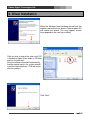
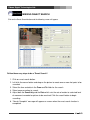
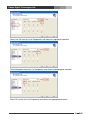
When the Windows New Hardware wizard finds the
capture card and asks for drivers Choose option NO
and cancel the wizard. This may happen several
times depend on the card you installed.
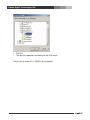
Click on drive to where the auto install CD
is located or Open Driver folder in CD-Rom
and run “Installer.exe”.
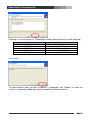
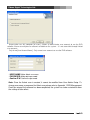
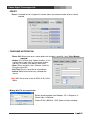
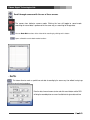
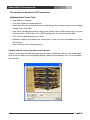
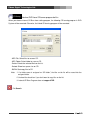
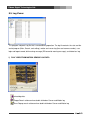
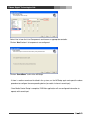
Driver installation wizard will automatically
find the capture card in the system and will
install the required drivers. DVR will restart
after this process.
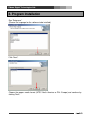
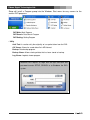
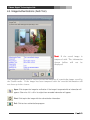
Click “Next”.
6
DVR