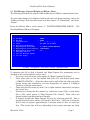
1
TranScan/8583 User’s Manual
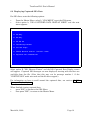
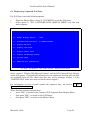
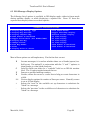
After the appropriate options are set, select the, "Run ISO Message Format" option.
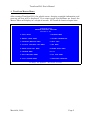
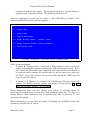
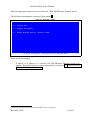
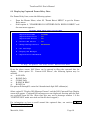
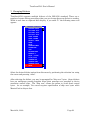
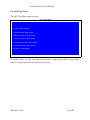
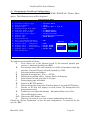
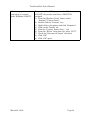
The following intermediate screen will then appear2:
RUN ISO MESSAGE FORMAT
A - Display Only
C - Display and Capture
D - Change Message Dialect (Current: VISA)
F1-Help
F9-Spooler
F10-Print Screen
ESC-SNA Menu
Select the desired option.
•
2
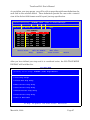
If Option A or Option C is selected, the ISO Message Monitor screen will
appear. For detail on those screens and options, see section 5.3 Real Time ISO
Message Display -- all protocols.
A message stating “Protocol Changed to SDLC” may also appear.
March 24, 2000
Page 13