1
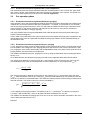
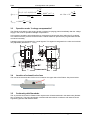
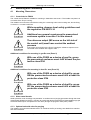
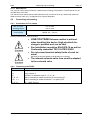
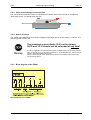
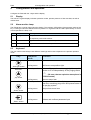
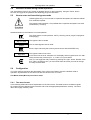
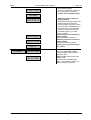
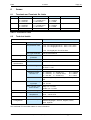
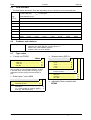
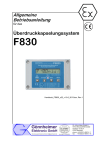
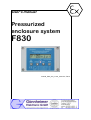
F830 5 5 Configuration and operation Page 15 Configuration and operation Configure the F830 with the 4 keys and the display. 5.1 Display The built-in 8- figures display indicates operation modes, present pressure or flow rate data, as well as malfunctions. 5.2 Alarm monitor Lamp The FS830 has a monitor lamp below the display. This red lamp (LED) blinks if the pressure inside of the Ex p- housing is below the defined minimum pressure. In bypass mode the LED is permanently on and in normal operation the lamp is off. Ñ Lamp Meaning flashing The pressure inside of the cabinet is below 0.8 mbar ! No explosion proof inside cabinet! Constant on Bypass mode is active – no explosion proof inside cabinet! 8 Constant off Ex protection is “OK” = normal operation 5.3 Keyboard The four multi-functional keys have different meanings and functions depend on the present operation mode. Key „Shift right“-button BYPASS Operation mode Function normal operation none running menu Shift cursor one position right. normal operation Activates Bypass; i.e. enable toggle ignition-capable device on or off independently of the purging status ! (Be sure, that no explosive atmosphere is in environment) „Up“-button INFO running menu normal operation Get next menu item Changes indication of the display: present pressure, flow rate, remaining purge time and present state of the purging system running menu Get previous menu item normal operation Enters main menu running menu Initiates and confirms parameter input „Down“-button MENÜ „Enter“- button Gönnheimer Elektronic GmbH phone: +49(6321)49919-0, fax: -41 Email: [email protected]