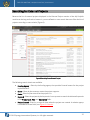
1
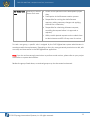
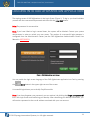
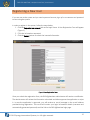
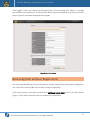
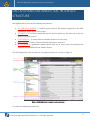
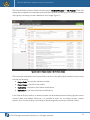
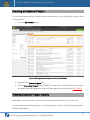
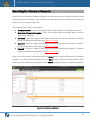
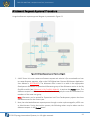
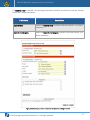
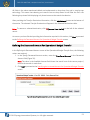
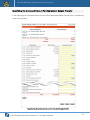
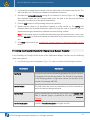
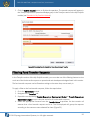
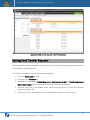
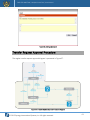
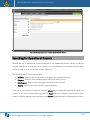
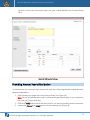
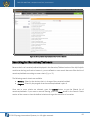
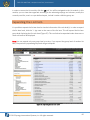
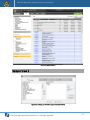
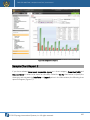
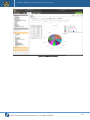
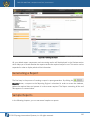
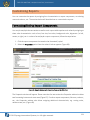
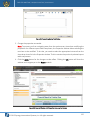
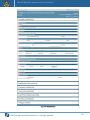
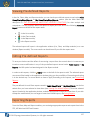
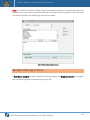
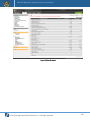
DAD AFGHANISTAN | Analytical Interface| User Manual The External Projects section divided into two groups: My Draft Projects and My Projects. These lists display the incomplete and submitted external project requests that either you or any other member of the group you belong to have created and can manage (Figure 5). Figure 5: External Projects Section in My Portfolio Module The information displayed in the External Projects section of the My Portfolio module for each project includes the following: Project Code – the project reference number, Project Name – the title of the project, Updated By – the author of the latest modifications, Updated On – the date of the latest modifications. In the External Projects section, an external project may be created; details of existing projects can be viewed, edited, and deleted. Moreover, it is possible to search for an external project; browse projects; and, sort the projects in ascending or descending order according to definite criteria. © 2015 Synergy International Systems, Inc. All rights reserved. 21