1
nada Documentation, Release 4.0
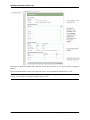
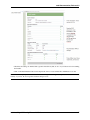
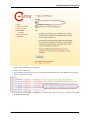
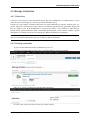
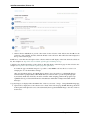
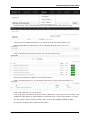
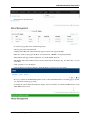
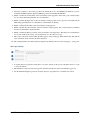
• Check that all settings are marked with a green tick and fix any that are not on your webserver before running
the installer.
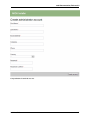
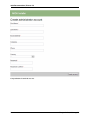
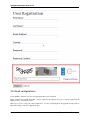
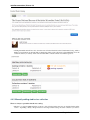
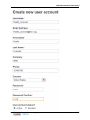
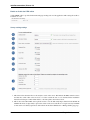
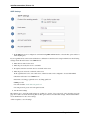
• Click on the Install Database button and complete the form to create an initial Site Administrator account.
Note: Create a complex password of atleast 12 characters long with some uppercase, punctuation and numbers to aid
security of your site. Do not forget this username and password!
2.3. Installing NADA using Microsoft SQL Server
17