1
Printer Installation
Installing the P120i Printer
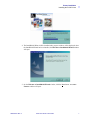
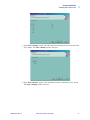
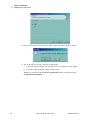
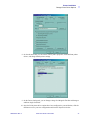
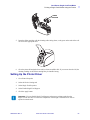
2. In the Card Image Rotation window, select the rotation desired, then click the Next>
button. The Print on Both Sides window will open.
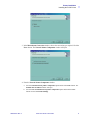
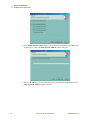
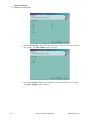
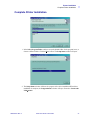
3. In the Print on Both Sides window, select Yes or No, and click the Next> button. The
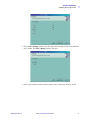
Monochrome Conversion window will open.
980504-001 Rev. A
P120i Card Printer User Guide
19