1
Voice Memos: Recording and Playback
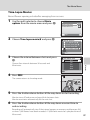
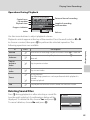
Use the camera’s built-in microphone to record voice memos for pictures.
Recording Voice Memos
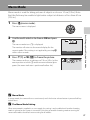
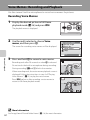
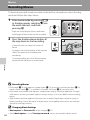
1
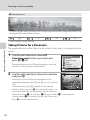
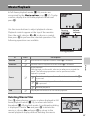
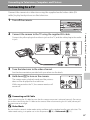
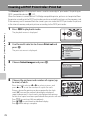
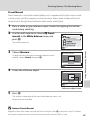
Display the desired picture in full-frame
playback mode (A 26) and press d.
The playback menu is displayed.
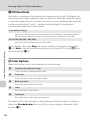
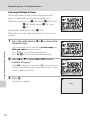
2
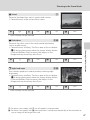
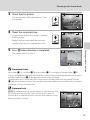
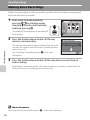
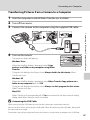
Use the multi selector to choose Voice
memo, and then press k.
The screen for recording voice memos will be displayed.
Playback menu
Rotate image
Small pic.
Voice memo
Copy
Exit
More on Playback
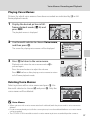
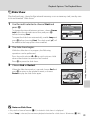
3
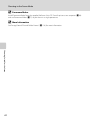
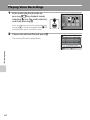
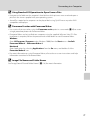
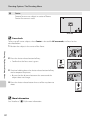
Press and hold k to record a voice memo.
Recording ends after 20 seconds or when k is released.
Do not touch the built-in microphone during recording.
During recording, o and p blink in the monitor.
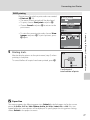
When recording ends, the voice memo playback screen is
displayed. Follow the instructions in step 3 of “Playing
Voice Memos” ( A 51) to play the voice memo.
Back
Press d before or after recording a voice memo to
return to full-frame playback mode.
17s
D
More Information
See “Image/Sound File and Folder Names” (A 116) for more information.
50