1
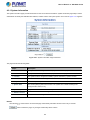
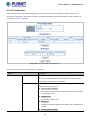
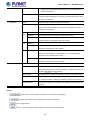
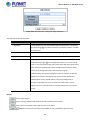
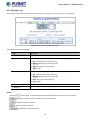
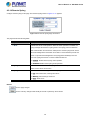
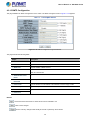
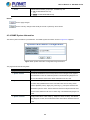
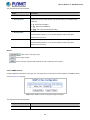
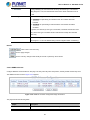
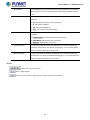
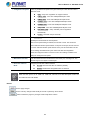
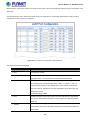
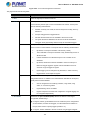
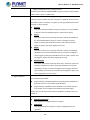
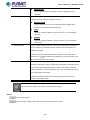
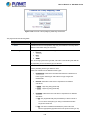
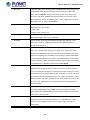
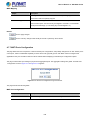
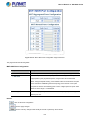
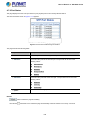
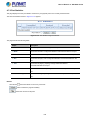
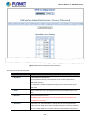
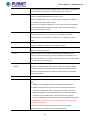
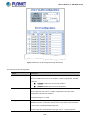
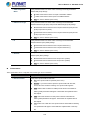
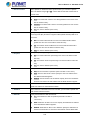
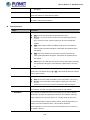
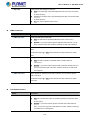
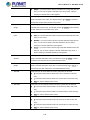
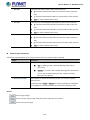
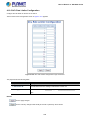
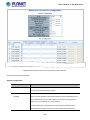
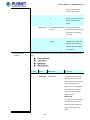
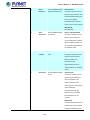
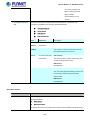
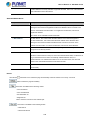
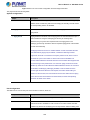
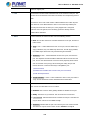
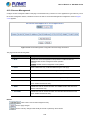
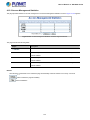
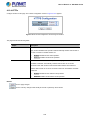
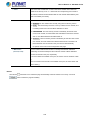
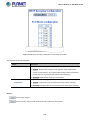
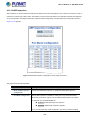
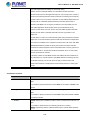
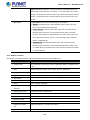
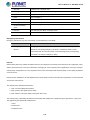
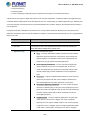
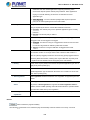
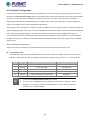
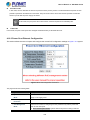
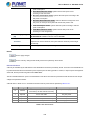
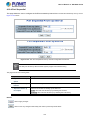
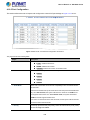
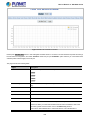
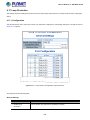
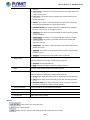
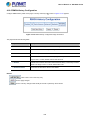
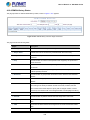
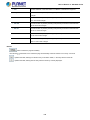
User’s Manual of GS-5220 Series Specify from which DHCP-enabled interface a provided DNS server should be preferred. DNS Proxy When DNS proxy is enabled, system will relay DNS requests to the currently configured DNS server, and reply as a DNS resolver to the client devices on the network. IP Address Delete Select this option to delete an existing IP interface. VLAN The VLAN associated with the IP interface. Only ports in this VLAN will be able to access the IP interface. This field is only available for input when creating an new interface. IPv4 Enabled Enable the DHCP client by checking this box. DHCP Fallback The number of seconds for trying to obtain a DHCP lease. Current Lease For DHCP interfaces with an active lease, this column show the current interface address, as provided by the DHCP server. IPv4 Address Provide the IP address of this Managed Switch in dotted decimal notation. Mask Length The IPv4 network mask, in number of bits (prefix length). Valid values are between 0 and 30 bits for a IPv4 address. IPv6 Address Provide the IP address of this Managed Switch. A IPv6 address is in 128-bit records represented as eight fields of up to four hexadecimal digits with a colon separating each field (:). Mask Length The IPv6 network mask, in number of bits (prefix length). Valid values are between 1 and 128 bits for a IPv6 address. IP Routes Delete Select this option to delete an existing IP route. Network The destination IP network or host address of this route. Valid format is dotted decimal notationor a valid IPv6 notation. A default route can use the value 0.0.0.0or IPv6 :: notation. Mask Length The destination IP network or host mask, in number of bits (prefix length). Gateway The IP address of the IP gateway. Valid format is dotted decimal notation or a valid IPv6 notation. Gateway and Network must be of the same type. Next Hop VLAN The VLAN ID (VID) of the specific IPv6 interface associated with the gateway. Buttons : Click to add a new IP interface. A maximum of 128 interfaces is supported. : Click to add a new IP route. A maximum of 32 routes is supported. : Click to apply changes. : Click to undo any changes made locally and revert to previously saved values. 55