1
Network Camera User’s Guide
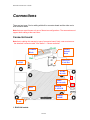
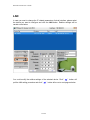
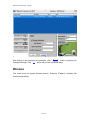
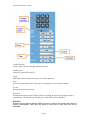
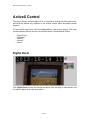
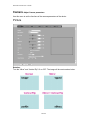
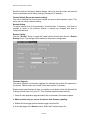
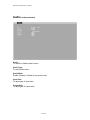
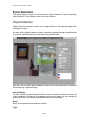
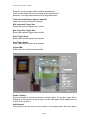
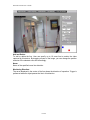
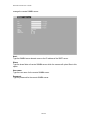
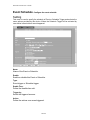
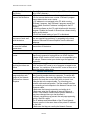
Camera direction:
Control camera up/down/left/right and home position.
Camera speed:
Choose the speed of Pan and Tilt.
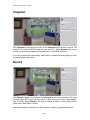
Preset:
Add/Update the preset positions or go to one of these positions.
Tour:
Select one of the camera tours. Camera tour is comprised by series of preset locations.
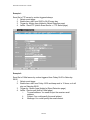
Go tour:
Execute the selected camera tour.
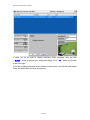
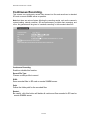
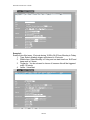
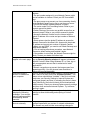
Auto Pan:
Execute the auto pan of camera. While auto pan is running, the camera will swing the camera
automatically. Note that the speed of auto pan is fixed and can not be adjustable.
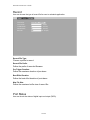
Auto Pan:
Execute the auto pan of camera. While auto pan is running, the camera will swing the
camera automatically. Note that the speed of auto pan is fixed and can not be
adjustable.
30/106