1
How do I go from A to B?
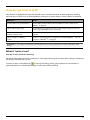
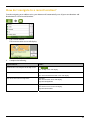
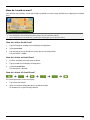
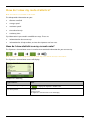
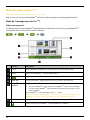
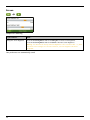
Your Navman is equipped with maps that provide street-level detail for door-to-door navigation, including
Points of Interest (POIs) such as accommodation, parking areas, petrol stations, railway stations and airports.
When you ...
Then ...
know the address of your destination
use the address-entry wizard to enter the address “How do I search for an
address?” on page 22.
want to make multiple stops
use the Multi-stop Trip Planner screen to enter multiple waypoints “How do I
create a trip with multiple stops?” on page 26.
need to find a named site, feature,
landmark or public venue
search for a Point of Interest "How do I search for a Point of Interest (POI)?” on
page 30.
want to navigate to a NavpixTM
location
use the Go To NavPix screen to navigate to a preinstalled NavpixTM “How do I
navigate to a NavpixTM?” on page 58.
WARNING: For your safety, enter destination information before you start a journey. Do not enter a destination while
driving.
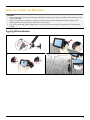
What if I miss a turn?
Back-On-Track™ Automatic Rerouting
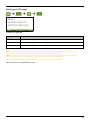
You will be redirected if you make a wrong turn. A message informing you that your route is being re-calculated
will display at the top of the screen.
To cancel a route re-calculation tap
. A warning will display, asking you to confirm the cancellation. If
confirmed, both the re-calculation and your current route will be cancelled.
21