1
4.
File VETS 100 Report
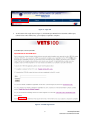
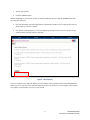
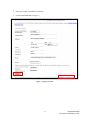
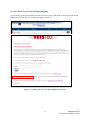
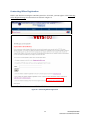
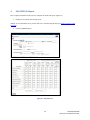
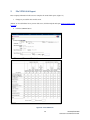
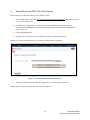
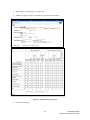
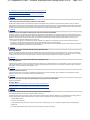
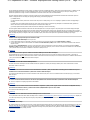
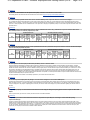
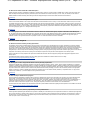
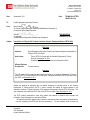
Enter company information in this screen to complete the VETS-100 report. (Figure 22)
1.
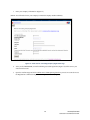
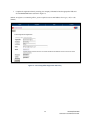
Change any accessible value on this screen.
(NOTE: To view definitions for any term on this screen, click the Help tab and open VETS Frequently Asked
Questions)
2.
Click the SUBMIT button.
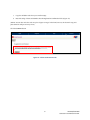
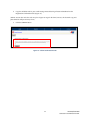
Figure 22 – VETS100 Form
19
VETS100/VETS100A
Contractor User Manual for 2011