1
Section 3 - Configuration
Network Settings
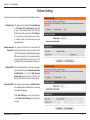
Router Settings
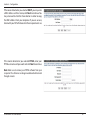
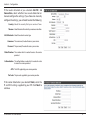
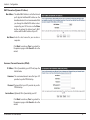
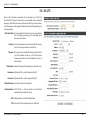
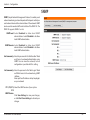
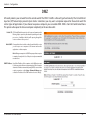
This section will help you to change the internal network settings
of your router and to configure the DHCP Server settings.
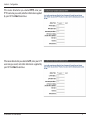
Router IP Enter the IP address of the router. The default
Address: IP address is 192.168.0.1.
If you change the IP address, you will need to
enter the new IP address in your browser in
order to access the web-based configuration
utility.
Default Subnet Enter the Subnet Mask of the router. The
Mask: default subnet mask is 255.255.255.0.
Local Domain Enter the local domain name for your network.
Name:
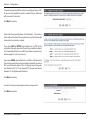
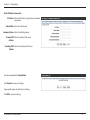
Click Save Settings to save your changes,
or click Don’t Save Settings to discard your
changes.
D-Link DWR-116 User Manual
40