1
Section 3 - Configuration
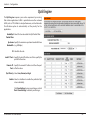
QoS Engine
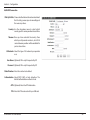
The QoS Engine improves your online experience by ensuring
that certain applications traffic is prioritized over other network
traffic, such as FTP or Web. For best performance, use the Automatic
Classification option to automatically set the priority for the
applications.
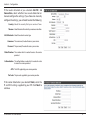
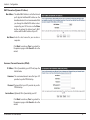
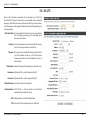
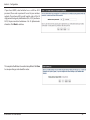
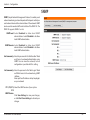
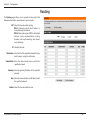
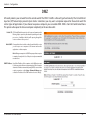
Enable QoS Select this box to enable the QoS Packet Filter.
Packet Filter:
Upstream Specify the maximum upstream bandwidth here
Bandwidth: (e.g. 400 kbps).
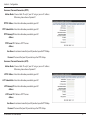
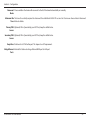
ID: Identifies the rule.
Local IP : Ports: Specify the local IP address and then specify the
port after the colon.
Remote IP : Specify the remote IP address and then the port
Ports: after the colon.
QoS Priority: Select Low, Normal, or High.
Enable: Select a checkbox to enable the particular QoS
rules individually.
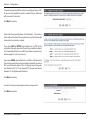
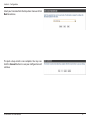
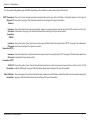
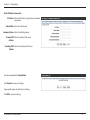
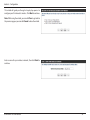
Click Save Settings to save your changes, or click
Don’t Save Settings to discard your changes.
D-Link DWR-116 User Manual
44