1
Operation
Power On
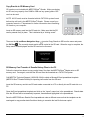
Plug the power cord cable connector of 12V AC Adapter into the rear of the MEDTOXScan® Reader.
Connect the AC power cord to the inlet of the AC Adapter. Insert the power cord plug into a standard wall
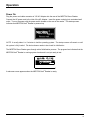
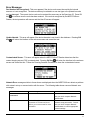
outlet. Turn on the power with the power switch located on the rear of the reader. This startup screen
indicates that MEDTOXScan® Reader is powered up.
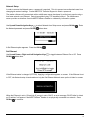
NOTE: It usually takes 1 to 2 minutes to load the operating system. The startup screen will remain on until
the system is fully loaded. The device drawer needs to be closed for initialization.
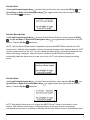
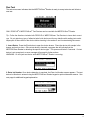
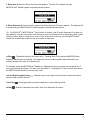
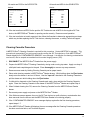
The MEDTOXScan® Reader goes through a brief initialization process. The progress bar indicates that the
MEDTOXScan® Reader is running system checks and is not yet ready to test.
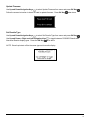
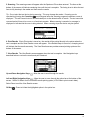
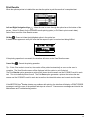
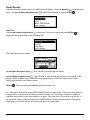
A welcome screen appears when the MEDTOXScan® Reader is ready.
16