1
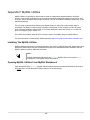
New in MySQL Workbench 6.1
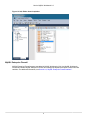
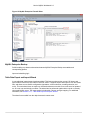
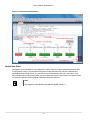
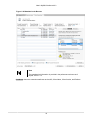
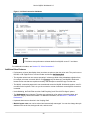
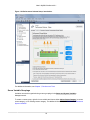
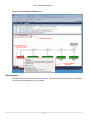
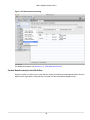
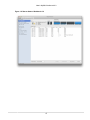
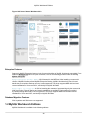
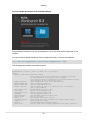
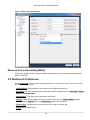
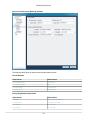
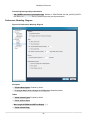
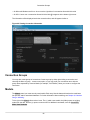
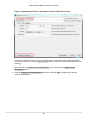
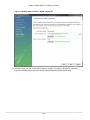
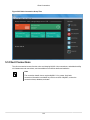
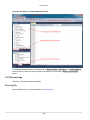
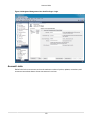
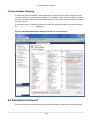
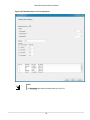
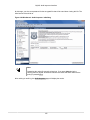
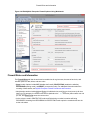
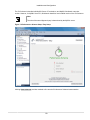
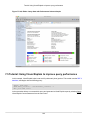
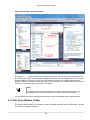
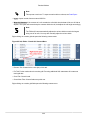
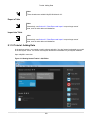
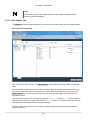
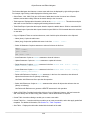
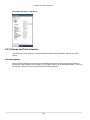
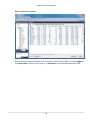
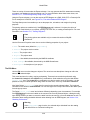
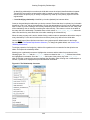
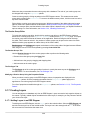
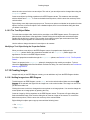
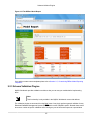
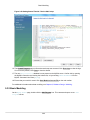
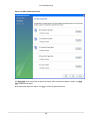
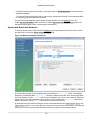
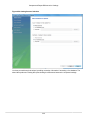
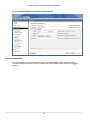
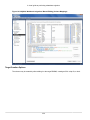
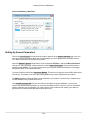
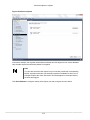
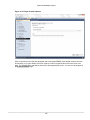
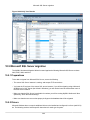
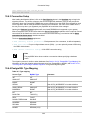
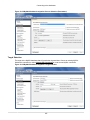
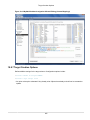
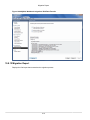
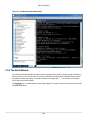
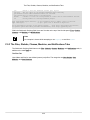
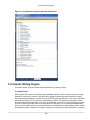
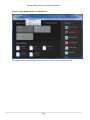
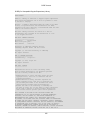
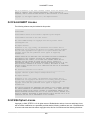
Figure 1.29 SQL Editor: Query Stats
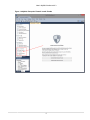
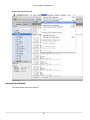
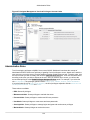
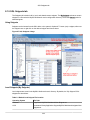
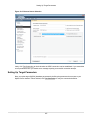
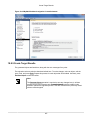
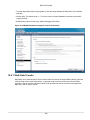
Home Screen Features
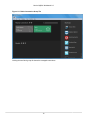
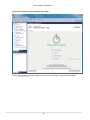
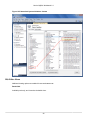
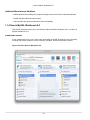
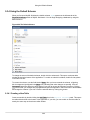
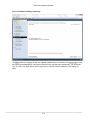
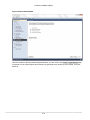
Several behavioral improvements were made to the MySQL Workbench Home screen, including:
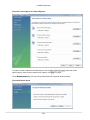
• Connection tiles can now be repositioned by using drag and drop
• A script or model file can be dragged into a MySQL connection tile
• The following right-click options were added to the connection tiles: Copy JDBC Connection String and
Copy Connection String
• Right-clicking a blank area in the MySQL Connections area now offers an option to create a New
Connection From Clipboard
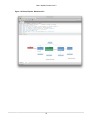
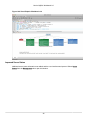
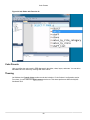
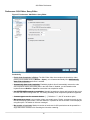
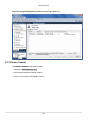
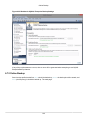
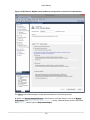
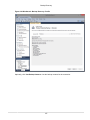
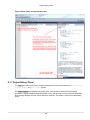
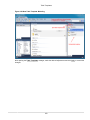
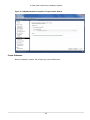
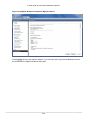
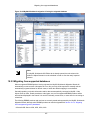
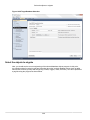
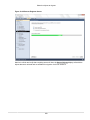
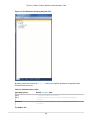
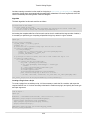
Visual Explain
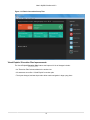
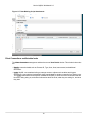
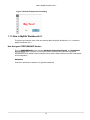
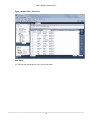
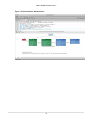
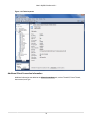
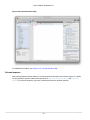
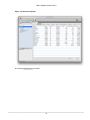
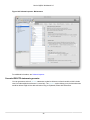
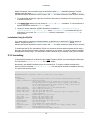
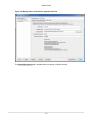
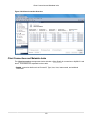
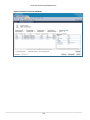
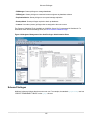
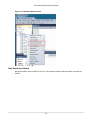
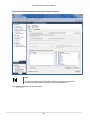
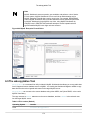
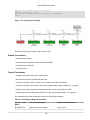
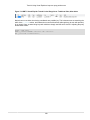
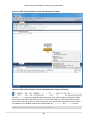
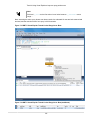
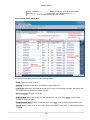
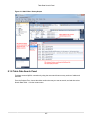
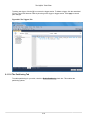
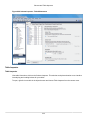
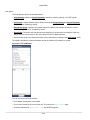
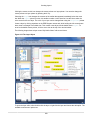
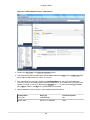
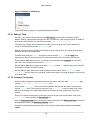
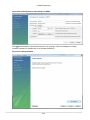
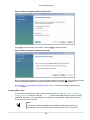
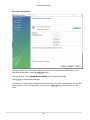
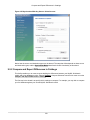
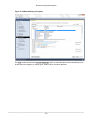
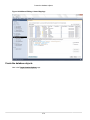
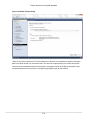
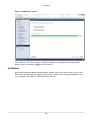
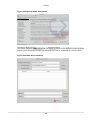
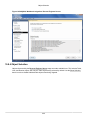
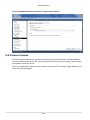
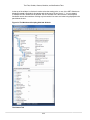
The layout changed, and additional information is now viewable by hovering over the fields. It also displays
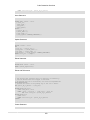
traditional EXPLAIN output in a separate tab, and the Raw Explain Data (as JSON) in another. For
MySQL server 5.7+, the new "cost information" (such as "query_cost" and "sort_cost) is also utilized.
30