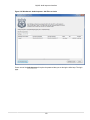
1
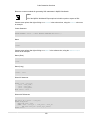
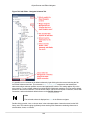
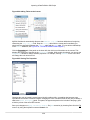
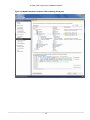
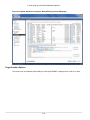
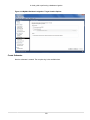
The Files, Globals, Classes, Modules, and Notifications Tabs
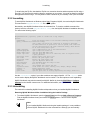
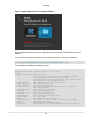
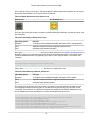
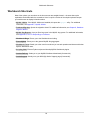
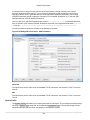
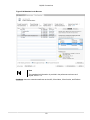
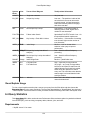
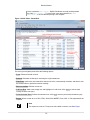
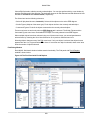
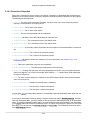
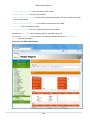
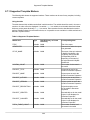
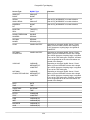
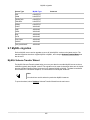
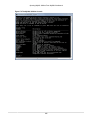
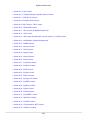
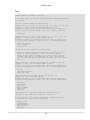
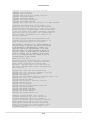
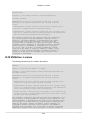
grt
grt.root
grt.modules
grt.classes
mforms
wb
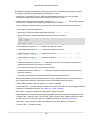
Module to work with Workbench runtime (grt) objects
The root object in the internal Workbench object hierarchy
Location where Workbench modules are available
List of classes known to the GRT system
A Module to access the cross-platform UI toolkit used in some Workbench features
Utility module for creating Workbench plugins
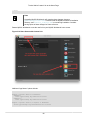
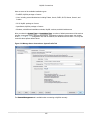
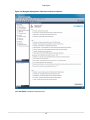
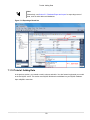
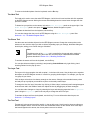
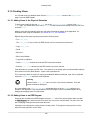
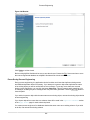
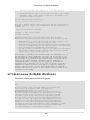
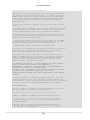
Type 'help(module/object/function)' to get information about a module, object or function.
Type 'dir(object)'
to get a quick list of methods an object has.
For an introductory tutorial on the Python language,
visit http://docs.python.org/tutorial/
For general Python and library reference documentation, visit http://python.org/doc/
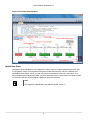
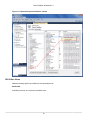
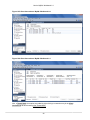
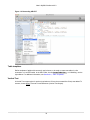
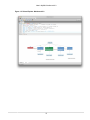
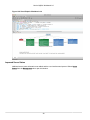
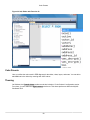
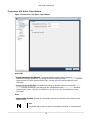
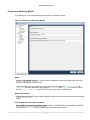
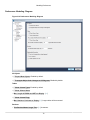
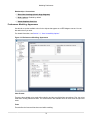
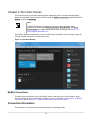
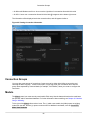
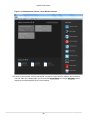
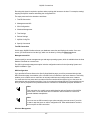
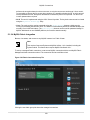
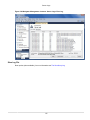
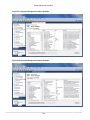
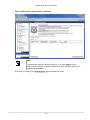
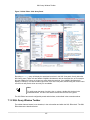
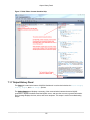
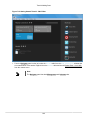
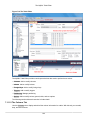
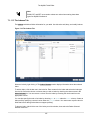
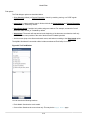
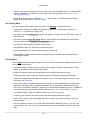
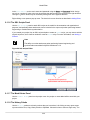
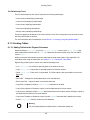
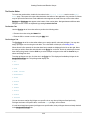
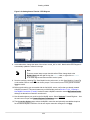
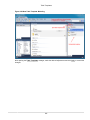
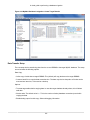
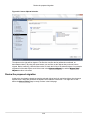
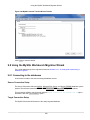
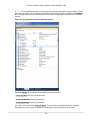
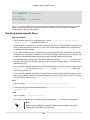
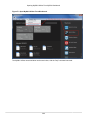
Within the Workbench Scripting Shell, there are five tabs on the top of the left side panel: Files, Globals,
Classes, and Modules, and Notifications.
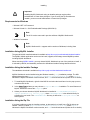
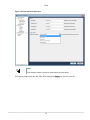
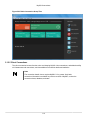
Note
An exception is thrown while attempting to use input() or read from stdin.
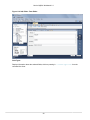
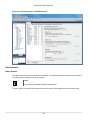
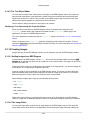
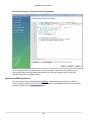
C.5.3 The Files, Globals, Classes, Modules, and Notifications Tabs
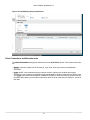
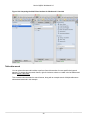
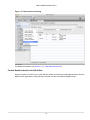
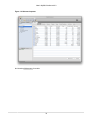
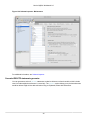
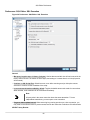
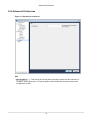
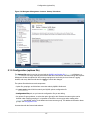
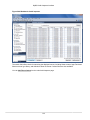
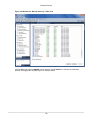
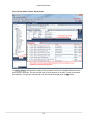
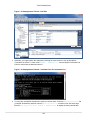
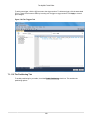
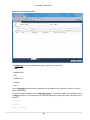
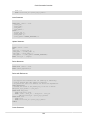
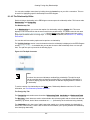
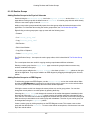
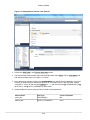
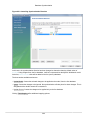
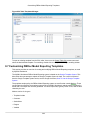
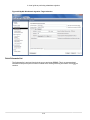
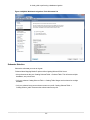
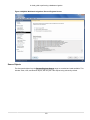
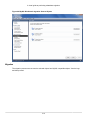
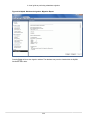
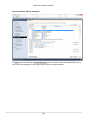
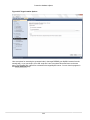
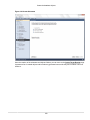
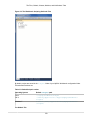
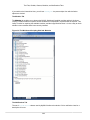
The Workbench Scripting Shell features the Files, Globals, Classes, Modules, and Notifications tabs, in
addition to the main Shell tab.
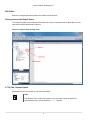
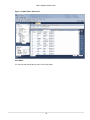
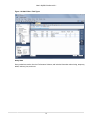
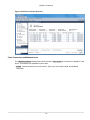
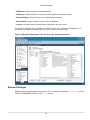
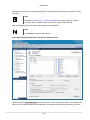
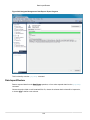
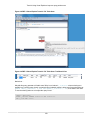
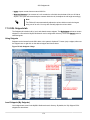
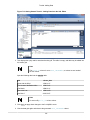
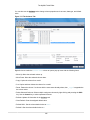
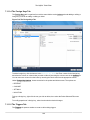
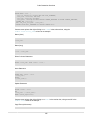
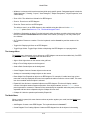
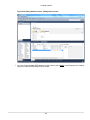
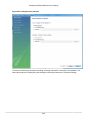
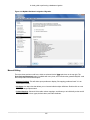
The Files Tab
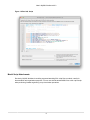
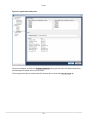
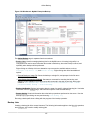
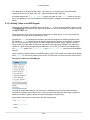
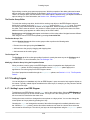
Lists folders and files for user-defined (custom) script files. The categories are User Scripts, User
Modules, and User Libraries.
378