1
Scanning from WIA
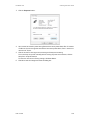
5.
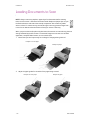
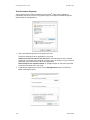
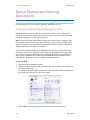
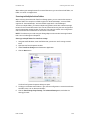
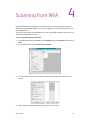
Place a document in the scanner.
6.
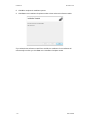
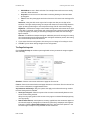
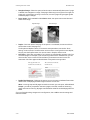
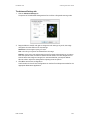
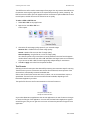
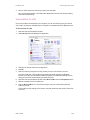
Click on the Scan button in the WIA interface.
DocuMate 742
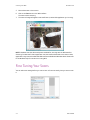
The scanner starts scanning.
7.
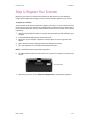
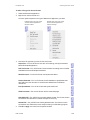
The scanned image will appear in Microsoft Paint (or other WIA application you’re using).
NOTE: Windows Vista has advanced options available for scanning with the WIA interface.
Scanning from Microsoft’s Paint application uses the interface described in this section. Other
applications may access the advanced WIA interface available with Windows Vista. Please refer
to the Windows help for instructions on using WIA.
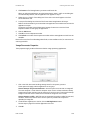
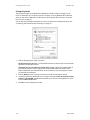
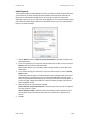
Fine Tuning Your Scans
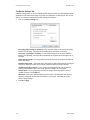
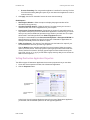
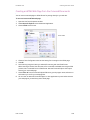
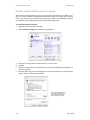
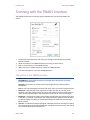
You can select new settings before you scan an item to fine tune exactly how you want to scan
it.
4-2
User’s Guide