1
User Manual
___________________________________________________________________________
9.1. Password Change
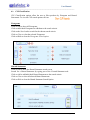
To change a password, the user must select the
My Account tab then the Change Password tab.
Add the requested fields before selecting Change to change the password.
9.2. User Search Preferences
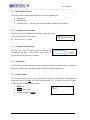
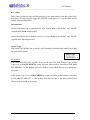
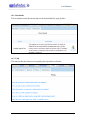
The user can alter the columns that appear on the main product search results screen. Select
the tick box as seen in Figure 12 to select the required search options which will be reflected
in the Search Results.
Note: A maximum of 8 preferences should be selected to reduce overcrowding the Search
Page.
9.3. Product Management
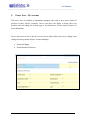
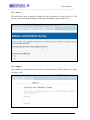
The screen is used by the power user to delete products in the user’s inventory. To delete a
product from the inventory, select the Product Management tab. Choose the department
where the product is located.
Then select the
tab to edit the product then the red Delete icon
to
remove the product. The user will be prompted with a warning that the product is about to
be removed from the inventory to which they must agree to before the deletion takes place.
Revision 3: 22/0714
Page 18 of 21