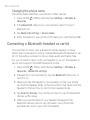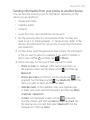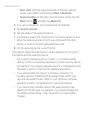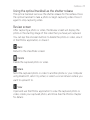
1
More apps 265
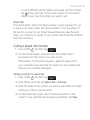
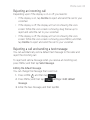
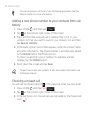
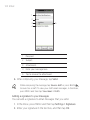
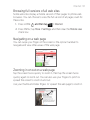
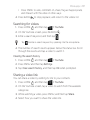
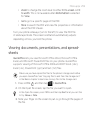
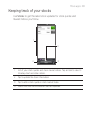
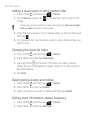
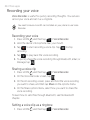
2. On the Voice Recorder screen, tap
.
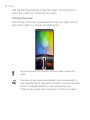
3. On the All recording screen, press and hold the voice recording
you want to set as a ringtone, and then tap Set as ringtone on
the options menu.
Renaming a voice clip
1. Press HOME
, and then tap
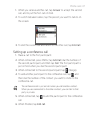
2. On the Voice Recorder screen, tap
> Voice Recorder.
.
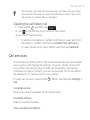
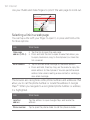
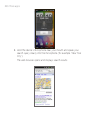
3. On the All recording screen, press and hold the voice recording
you want to rename, and then tap Rename on the options menu.
4. Enter the name, and then tap Save.
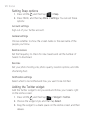
Using Voice Search
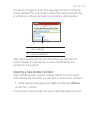
Google Voice Search enables you to do a search with Google by
speaking your search query into the microphone.
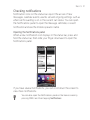
Opening Voice Search
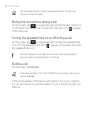
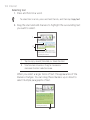
1. Press HOME
, and then tap
> Voice Search.