1
Applications
Receiving calls
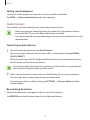
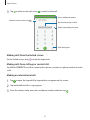
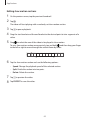
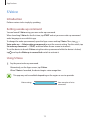
Answering a call
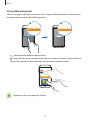
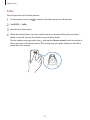
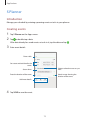
When a call comes in, drag
outside the large circle.
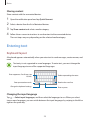
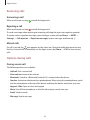
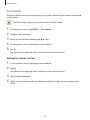
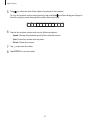
Rejecting a call
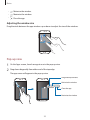
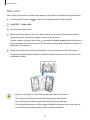
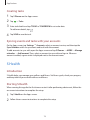
When a call comes in, drag
outside the large circle.
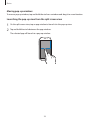
To send a message when rejecting an incoming call, drag the reject message bar upwards.
To create various rejection messages, open the Apps screen and tap Phone → MORE →
Settings → Call rejection → Rejection messages, enter a message, and then tap .
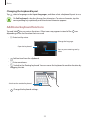
Missed calls
If a call is missed, the
icon appears on the status bar. Open the notification panel to view
the list of missed calls. Alternatively, on the Apps screen, tap Phone → LOG to view missed
calls.
Options during calls
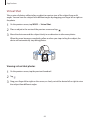
During a voice call
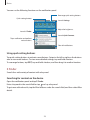
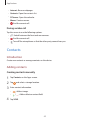
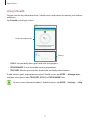
The following actions are available:
• Add call: Dial a second call.
• Extra volume: Increase the volume.
• Bluetooth: Switch to a Bluetooth headset if it is connected to the device.
• Speaker: Activate or deactivate the speakerphone. When using the speakerphone, speak
into the microphone at the top of the device and keep the device away from your ears.
• Keypad / Hide: Open or close the keypad.
• Mute: Turn off the microphone so that the other party cannot hear you.
• Email: Send an email.
• Message: Send a message.
48