1
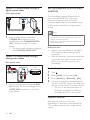
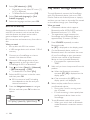
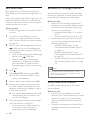
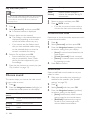
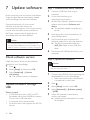
Update software through the
Internet 1
2
3
4
5
Connect your SoundStage to a home
network with a high-speed Internet access.
(see 'Connect and set up' on page 8)
Press
.
8Product
specifications
Note
•• Specifications and design are subject to change without
notice.
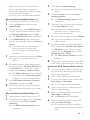
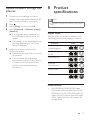
Select [Setup], and then press OK.
Select [Advanced] > [Software update] >
[Network].
»» If an upgrade media is detected, you
are prompted to start or cancel the
update.
»» Downloading of the upgrading file may
take long, depending on your home
network condition.
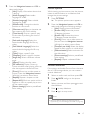
Follow the onscreen instructions to
confirm the update.
»» Update process takes about 5 minutes
to complete.
»» Once complete, the SoundStage
automatically switches off and restarts.
If it does not, disconnect the power
cord for a few seconds and then
reconnect it.
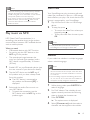
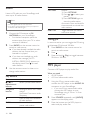
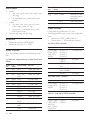
Region codes
The type plate on the back or bottom of the
SoundStage shows which regions it supports.
Country
Europe,
United Kingdom
DVD
BD
Asia Pacific, Taiwan,
Korea
A
Latin America
A
Australia,
New Zealand
Russia, India
C
China
C
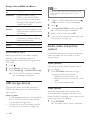
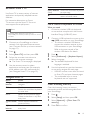
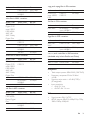
Media formats
•
AVCHD, BD, BD-R/ BD-RE, BD-Video,
DVD-Video, DVD+R/+RW, DVD-R/-RW,
DVD+R/-R DL, CD-R/CD-RW, Audio CD,
Video CD/SVCD, Picture files, MP3 media,
WMA media, DivX Plus HD media, USB
storage device
EN
27