1
1BLTRM.BK : 02OPER.FM Page 32 Wednesday, June 3, 1998 11:51 AM
Operating the HP GeneArray Scanner
Analyzing the Data
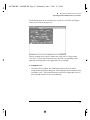
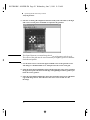
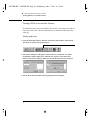
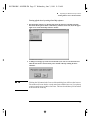
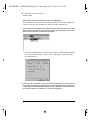
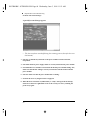
Check the middle of the *.DAT file image for alignment.
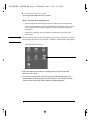
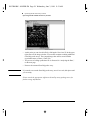
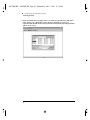
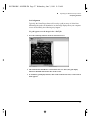
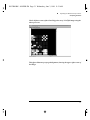
• Confirm grid alignment by choosing an area somewhere in the middle of the
array where clearly defined features can be seen. Use the same “click and drag”
procedure that was used to define the corners. Enlarge the defined viewing area
and check for grid alignment around the features. If an adjustment is necessary,
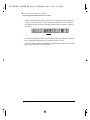
repeat the alignment process described above. Return to the normal view, by
choosing the Out button.
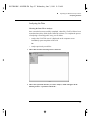
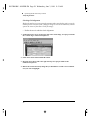
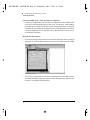
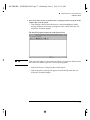
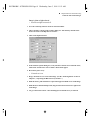
Running the data analysis:
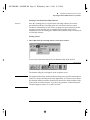
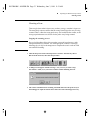
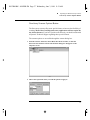
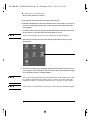
• Go to the GeneChip software menu bar and choose Run, then choose Analysis.
• Alternatively, click the Run Analysis icon on the GeneChip software toolbar.
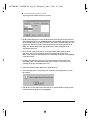
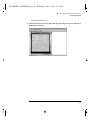
• The process of data analysis will proceed automatically. GeneChip software
uses the data analysis algorithm associated with the probe array type that was
chosen to run with the experiment file.
32