1
5
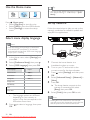
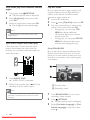
Select a setting, then press OK .
• To return to the previous menu,
press
BACK .
• To exit the menu, press .
Note
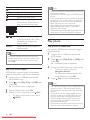
• See the explanations of the above options in
[Clear Local Storage]
Deletes the content of the BD-Live storage
folder on the USB drive.
Note
• Local storage is a folder (BUDA) located on
the connected USB device.
the following pages.
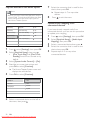
[BD-Live Security]
You can restrict internet access when BDR/RE disc is used.
• [On] - Internet access is prohibited for all
BD-Live contents.
• [Off]- Internet access is permitted for all
BD-Live contents.
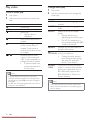
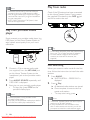
[Network]
Sets up connection to external network for
software download and BD-Live applications.
It guides you through a step-by-step network
installation procedure.
Note
• There is more detailed description available,
see ‘Getting Started’ > ‘Set up network’.
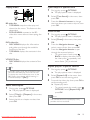
[Software Download]
Updates the software of this product (if a
newer version is available on Philips website)
to enhance playability.
• [USB] - Downloads software via USB.
• [Network] - Downloads software via
network.
Note
• There is more detailed description available,
see ‘Additional Information’ > ‘Upgrade
Software’.
38
EN
Downloaded From TheatreSystem-Manual.com Manuals
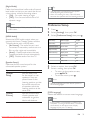
[DivX® VOD Code]
Displays the DivX® registration code.
Tip
• Enter this product’s DivX registration code
when you rent or purchase video from www.
divx.com/vod. The DivX videos rented or
purchased through the DivX® VOD (Video
On Demand) service can be played only on
the device to which it is registered.
[Version Info.]
Displays the software version of this Home
Theater System.
Tip
• This information is required when you want
to nd out if a newest software version is
available at the Philips website that you may
download and install on this Home Theater
System.
[Restore Factory Settings]
Resets all the settings of this product to
factory default, except for [Parental Control]
setting.