1
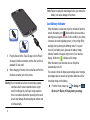
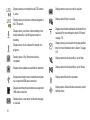
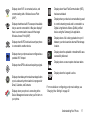
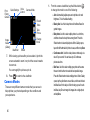
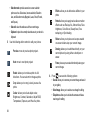
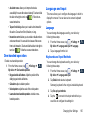
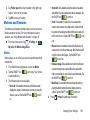
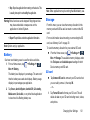
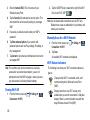
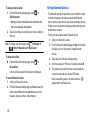
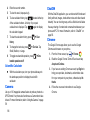
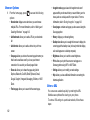
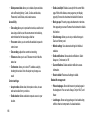
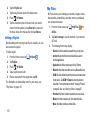
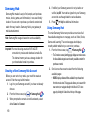
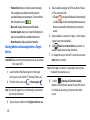
Volume control.
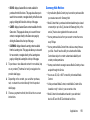
PIP (Picture In Picture) view. The video will
be played in a small window so you can use your
phone for other purposes while watching the
video. Double-tap screen to return to previous
size.
Original size view. The video will be played in
its original size.
Full-screen in ratio view. The video is
enlarged as much as possible without
becoming distorted.
Full-screen view. The entire screen is used,
which may cause some minor distortion.
Streams the video to another device via
Samsung Link.
Note: The screen view icons are a multi-way toggle. The icon
that is displayed is the mode that will appear after the
icon is tapped.
4. Press
164
for additional options.
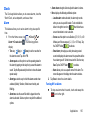
Voice Recorder
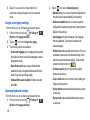
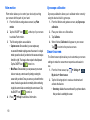
The Voice Recorder allows you to record an audio file and
then immediately share it using Wi-Fi Direct, Messaging,
Gmail, or via Bluetooth. Recording time will vary based on the
available memory within the phone.
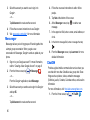
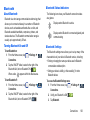
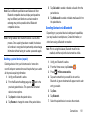
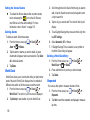
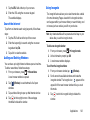
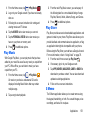
1. From the Home screen, tap
➔ Voice Recorder
.
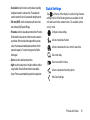
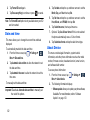
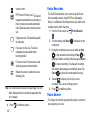
2. To start recording, tap Record
microphone.
and speak into the
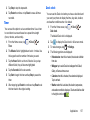
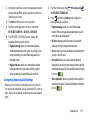
3. During the recording process you can either tap Stop
to stop and save the recording or Pause
to
temporarily halt the recording. After pausing, tap Record
to resume recording. Once the audio recording
has stopped, the message is automatically saved. Tap
Cancel
to cancel the recording without saving.
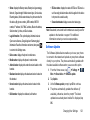
to display a list of all your voice
4. Tap List
recordings. Tap a voice recording to play it.
5. Press
for additional options.
Voice Search
The Google Voice Search application allows you to search the
web using only your voice.