1
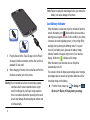
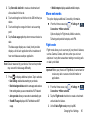
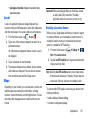
4. Scroll to the bottom of the details screen and tap Disable
to disable a System certificate or Remove to remove a
User certificate.
Caution! When you disable a system CA certificate, the Disable
button changes to Enable, so you can enable the
certificate again, if necessary. When you remove a
user-installed CA certificate, it is permanently deleted
and must be re-installed, if needed.
5. Tap OK to return to the certificate list.
When enabled, a check mark appears in the check box.
Install from device storage
Install encrypted certificates from an installed memory card.
Note: You must have installed a memory card containing
encrypted certificates to use this feature.
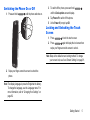
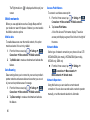
1. From the Home screen, tap
More ➔ Security.
➔ Settings ➔
Clear credentials
Clear stored credentials.
Note: This setting only appears if you have installed encrypted
certificates.
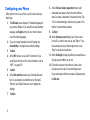
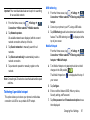
1. From the Home screen, tap
More ➔ Security.
➔ Settings ➔
2. Tap Clear credentials to remove all certificates.
Application Manager
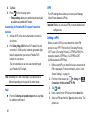
You can download and install applications from Play Store or
create applications using the Android SDK and install them on
your device. Use Application manager settings to manage
applications.
Warning! Because this device can be configured with system
software not provided by or supported by Google or
any other company, end-users operate these devices
at their own risk.
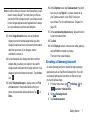
2. Tap Install from device storage, then choose a certificate
and follow the prompts to install.
Changing Your Settings
119