1
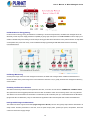
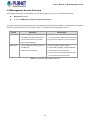
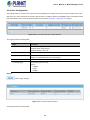
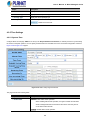
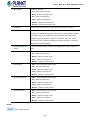
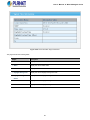
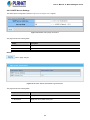
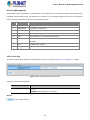
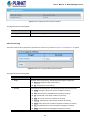
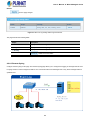
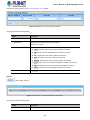
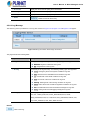
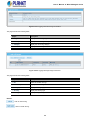
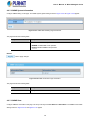
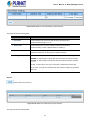
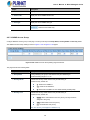
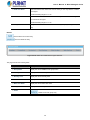
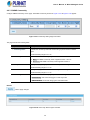
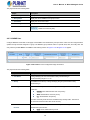
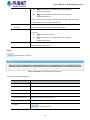
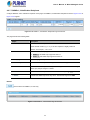
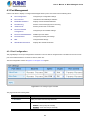
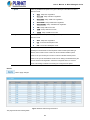
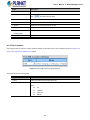
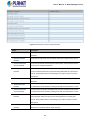
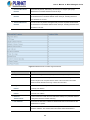
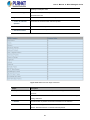
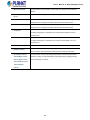
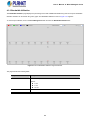
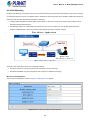
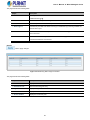
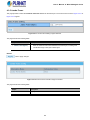
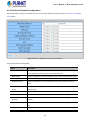
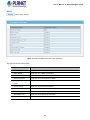
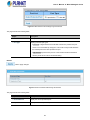
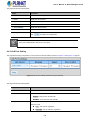
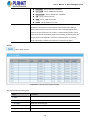
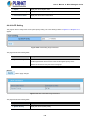
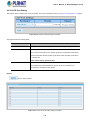
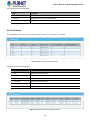
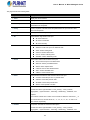
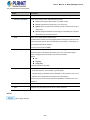
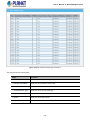
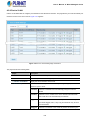
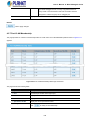
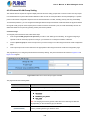
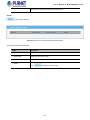
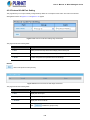
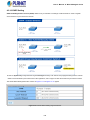
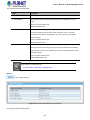
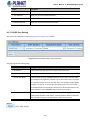
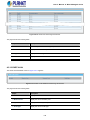
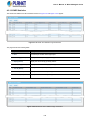
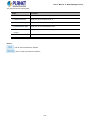
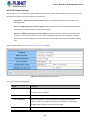
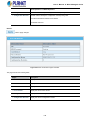
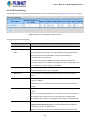
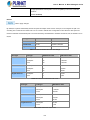
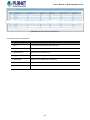
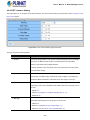
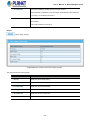
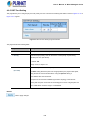
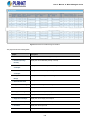
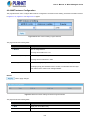
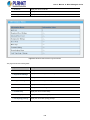
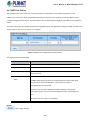
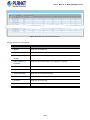
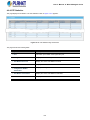
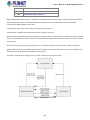
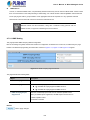
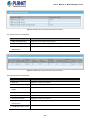
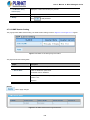
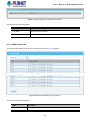
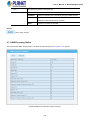
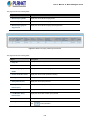
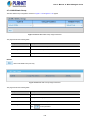
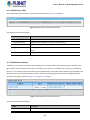
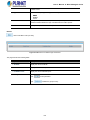
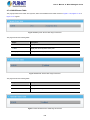
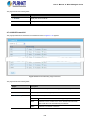
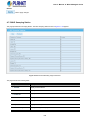
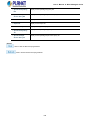
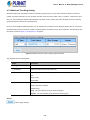
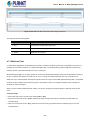
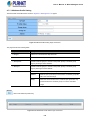
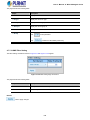
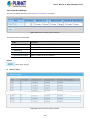
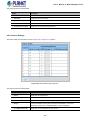
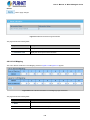
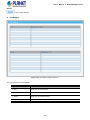
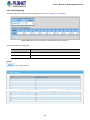
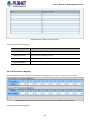
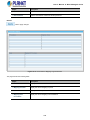
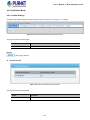
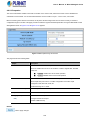
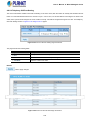
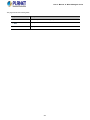
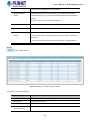
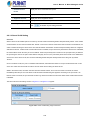
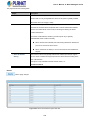
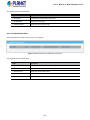
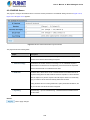
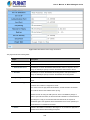
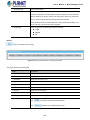
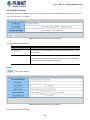
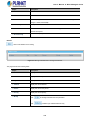
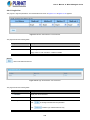
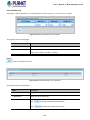
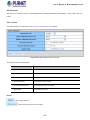
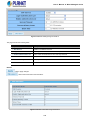
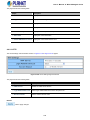
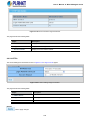
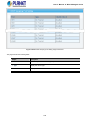
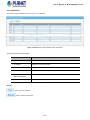
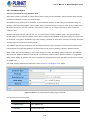
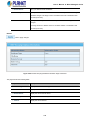
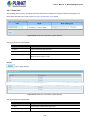
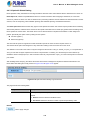
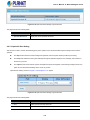
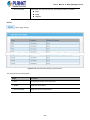
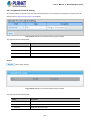
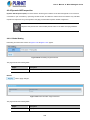
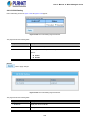
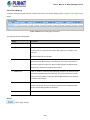
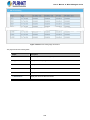
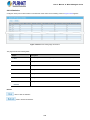
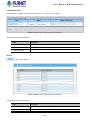
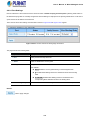
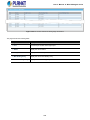
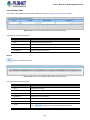
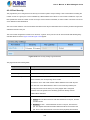
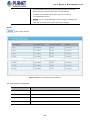
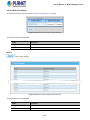
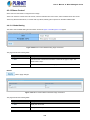
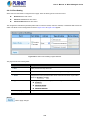
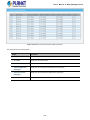
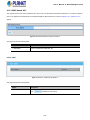
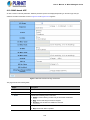
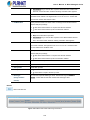
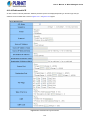
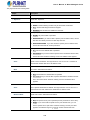
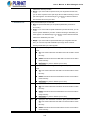
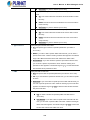
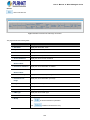
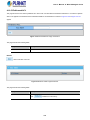
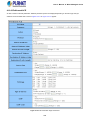
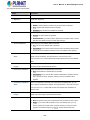
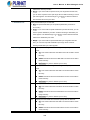
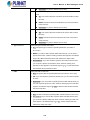
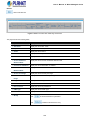
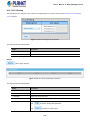
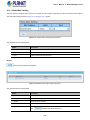
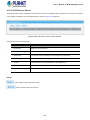
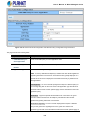
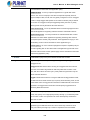
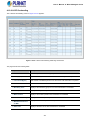
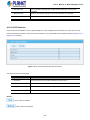
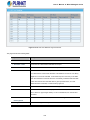
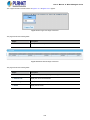
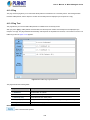
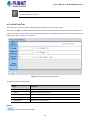
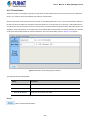
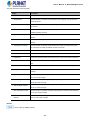
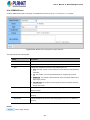
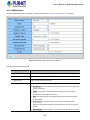
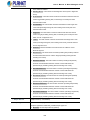
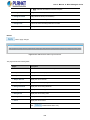
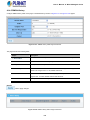
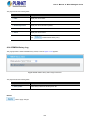
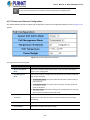
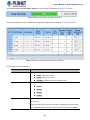
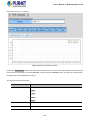
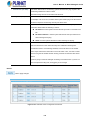
User’s Manual of WGS Managed Series The page includes the following fields: Object Description Community Name Display the current community type Group Name Display the current SNMP access group’s name View Name Display the current view name Access Right Display the current access type Delete : Delete the community entry 4.2.7.6 SNMP User Configure SNMPv3 users table on this page. Each SNMPv3 user is defined by a unique name. Users must be configured with a specific security level and assigned to a group. The SNMPv3 group restricts users to a specific read, write, and notify view. The entry index key is User Name. The SNMPv3 User Setting screens in Figure 4-2-29 & Figure 4-2-30 appear. Figure 4-2-29 SNMPv3 Users Configuration Page Screenshot The page includes the following fields: Object Description User Name A string identifying the user name that this entry should belong to. The allowed string length is 1 to 16. Group The SNMP Access Group. A string identifying the group name that this entry should belong to. Privilege Mode Indicates the security model that this entry should belong to. Possible security models are: NoAuth: None authentication and none privacy. Auth: Authentication and none privacy. Priv: Authentication and privacy. The value of security level cannot be modified if entry already exists. That means you must first ensure that the value is set correctly. Authentication Protocol Indicates the authentication protocol that this entry should belong to. Possible authentication protocols are: None: None authentication protocol. 75