1
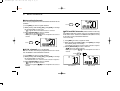
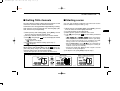
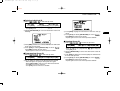
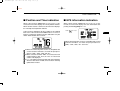
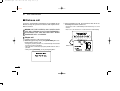
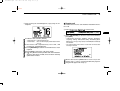
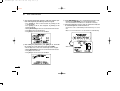
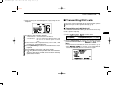
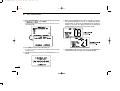
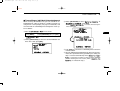
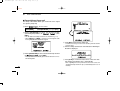
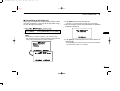
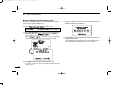
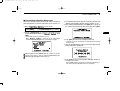
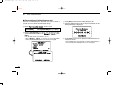
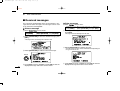
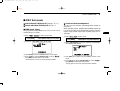
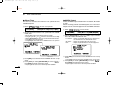
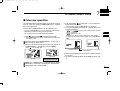
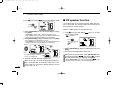
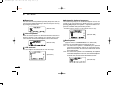
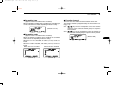
!IC-M603.qxd 06.7.28 1:46 PM Page 18 (1,1) New2001 6 DSC OPERATION ■ Position and Time programming A Distress call should include the ship’s position and time data. If no GPS is connected, your position and UTC (Universal Time Coordinated) time should be input manually. They are included automatically when a GPS receiver (NMEA0183 ver. 2.0 or 3.01) is connected. • This manual programming is not available when a GPS receiver (NMEA0183 ver. 2.0 or 3.01) is connected. • Manually programmed position/time data will be held for 23.5 hours only. Position Input” in DSC menu. q Enter “P DSC Menu D (Push [MENU]) ➪ Position Input P (Rotate [SELECTOR], then push [ENT].) w Edit your position (latitude and longitude) data directly with the keypad. • Push [6•MNO] to edit N; North latitude or [7•PRS] to edit S; South latitude. • Push [3•DEF] to edit E; East longitude or [9•WXY] to edit W; West longitude. • Rotate [SELECTOR] to move the cursor backward or forward. • Push [CE] to clear the position data. • Push [CLR] to cancel and exit the condition. 18 --DSC Menu-Input Position Latitude __°__.___N Null Longitude __°__.___W Null <CE˘Null Null Data> <CLR˘Exit Exit / ENT ENT˘OK> OK> e After editing the position data, push [ENT] to set. Then edit the current UTC time with the keypad. • Rotate [SELECTOR] to move the cursor backward or forward. • Push [CE] to clear the time. • Push [CLR] to cancel and exit the condition. --DSC Menu-Input UTC Time __:__ Null <CE˘Null Null Data> <CLR˘Exit Exit / ENT ENT˘OK> OK> r Push [ENT] to set the time and return to the DSC menu. Exit ,” t Push [CLR] or rotate [SELECTOR] to select “E push [ENT] to return to the normal operation condition.