1
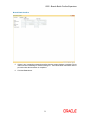
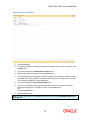
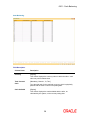
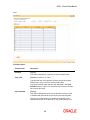
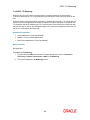
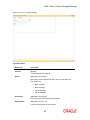
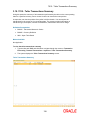
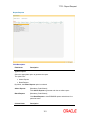
6006 - Search Electronic Journal
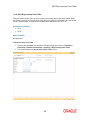
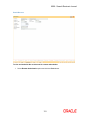
Cash Deposit - Correction Reverse
6.
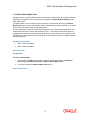
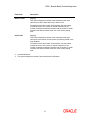
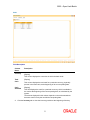
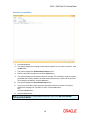
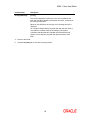
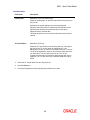
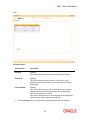
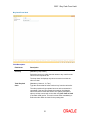
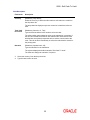
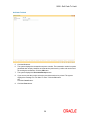
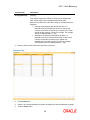
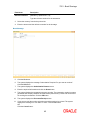
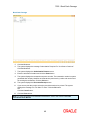
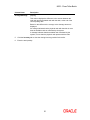
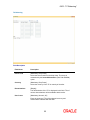
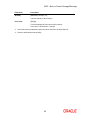
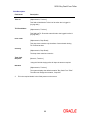
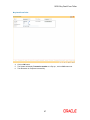
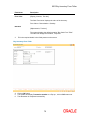
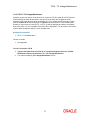
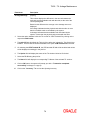
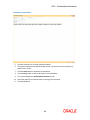
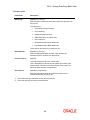
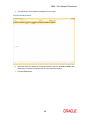
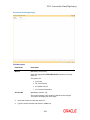
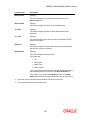
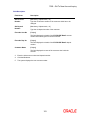
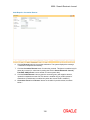
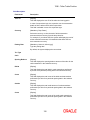
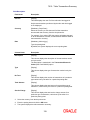
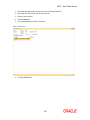
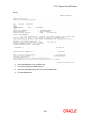
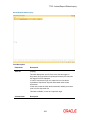
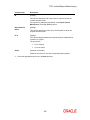
Click the Reverse button to reverse the transaction. The system displays the message
"Transaction Completed Successfully".
7.
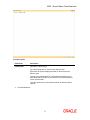
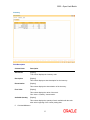
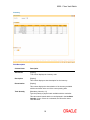
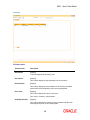
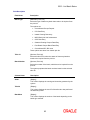
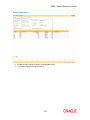
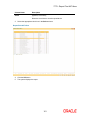
Click the Correction Reverse button for same day reversal. This button is enabled only for
same day reversal (i.e. when branch posting date field in Search Electronic Journal (
Fast Path- 6006) screen is same as that of current system date).
8.
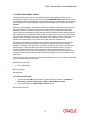
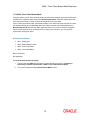
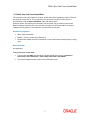
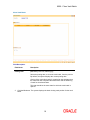
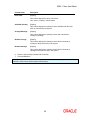
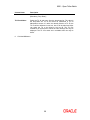
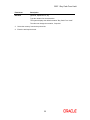
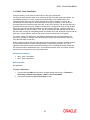
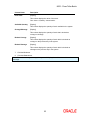
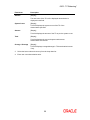
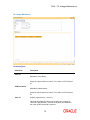
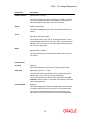
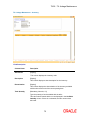
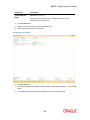
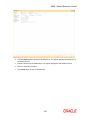
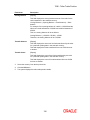
Click the Partial Reverse button to pass the accounting entry with negative amount
inputted in transaction amount field This button is enabled only for partial reversal of
transactions.( Partial button is enabled only when the Amount Field is modified )
9.
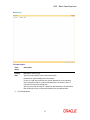
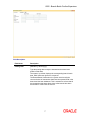
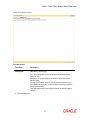
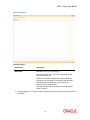
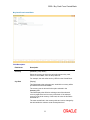
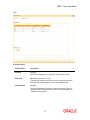
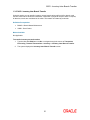
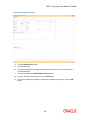
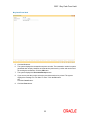
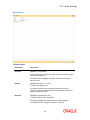
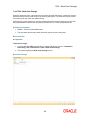
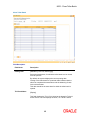
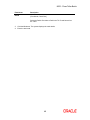
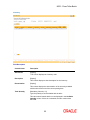
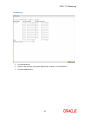
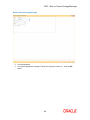
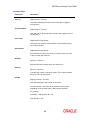
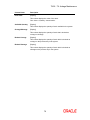
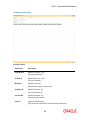
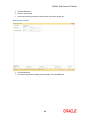
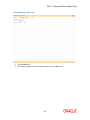
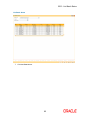
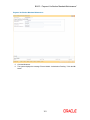
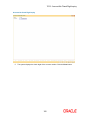
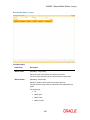
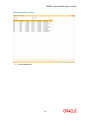
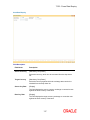
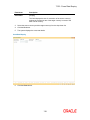
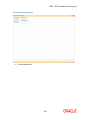
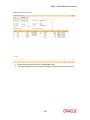
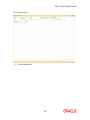
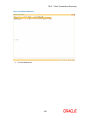
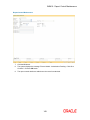
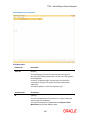
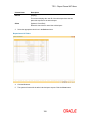
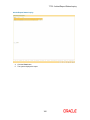
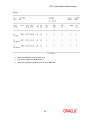
Correction reverse’ and ‘Reverse’ button are invisible for partial reversal, as shown
below --
130