1
Calendars
Managing Calendar Modules
The calendar modules folder is the centralized location of all
calendars that have been created for your Web site.
Viewing Calendar Modules
Once a calendar has been created, you can view its properties at
any time.
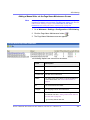
To view a calendar module, follow these steps.
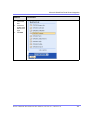
1. Access the calendar modules screen, as described in
”Accessing the Calendar Modules Screen” on page 288.
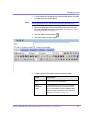
2. Click the title of the calendar you want to view.
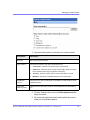
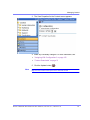
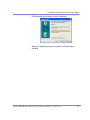
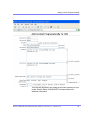
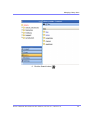
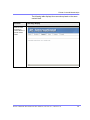
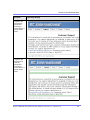
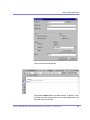
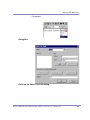
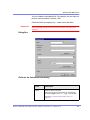
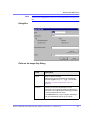
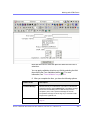
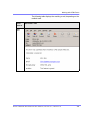
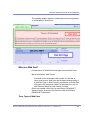
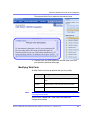
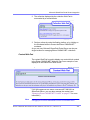
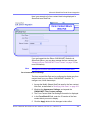
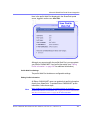
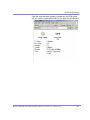
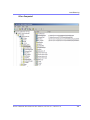
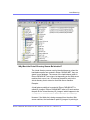
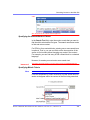
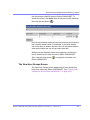
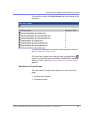
The View Calendar screen is displayed.
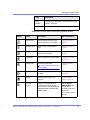
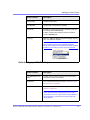
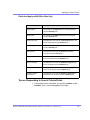
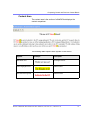
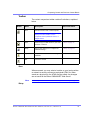
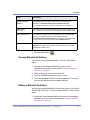
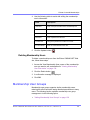
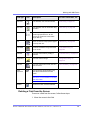
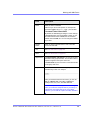
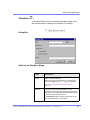
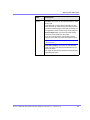
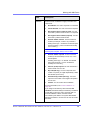
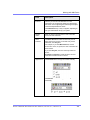
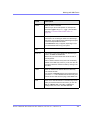
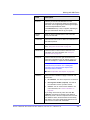
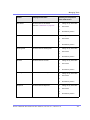
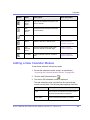
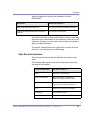
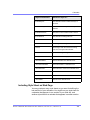
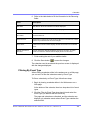
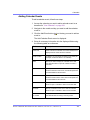
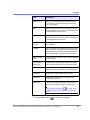
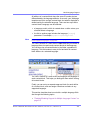
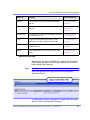
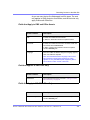
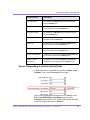
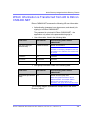
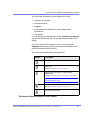
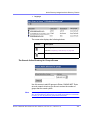
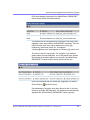
The view calendar screen contains information about the
selected calendar. The following table explains the information
displayed.
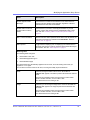
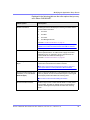
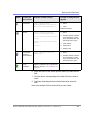
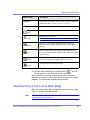
Field
Description
Title
Title given to the calendar.
ID
ID assigned to the calendar automatically by Ektron CMS400.NET. This ID is
used to call the calendar to a Web page.
Description
Descriptions given to the calendar.
Location Label
Label for the location data which is displayed when a location is specified for a
calendar event.
Start Time Label
Label for the start time data which is displayed when the start time is
displayed for a calendar event.
End Time Label
Label for the end time data which is displayed when the start time is displayed
for a calendar event.
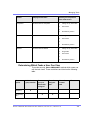
Cell Height
Height of all cells in the calendar.
Cell Width
Width of all cells in the calendar.
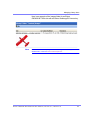
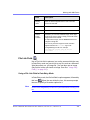
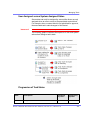
Display Weekends
A green check means the calendar displays the weekends. A red X means the
calendar does not.
Ektr on CM S4 00.N ET Admin istra tor Manual, Versio n 4.7 , R evision 9
303