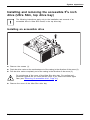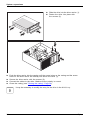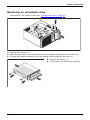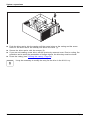
Download Important notes

Transcript
System expansions
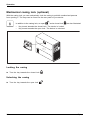
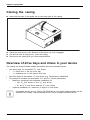
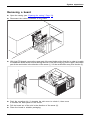
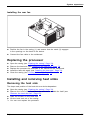
Closing the casing
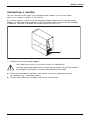
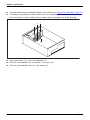
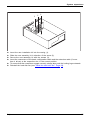
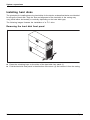
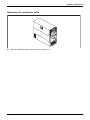
► Insert the side part in the guide rail on the lower part of the casing.
Device,
Casing,
1
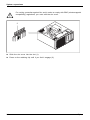
► Swivel the side cover in the direction of the arrow (1) until it engages.
► On devices with a casing lock: Lock the casing.
► Reconnect the cables that you disconnected before.
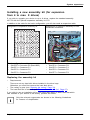
Overview of drive bays and drives in your device
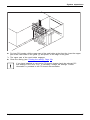
The casing can accommodate multiple accessible and non-accessible drives:
•
•
•
two drive bays for accessible 51/4 inch drives:
• 1 x Ultra Slim in the top drive bay
• 1 x standard size in the bottom drive bay
two drive bays for accessible 31/2 inch drives (e.g. SmartCard or MultiCard)
Drive bays for multiple non-accessible 21/2" and 31/2" drives (hard disks):
• Maximum equipment with standard installation kit:
○ four 21/2 inch drives or four 31/2 inch drives
○ or: two 21/2 inch drives and two 31/2 inch drives
• Optional installation kit: maximum of eight 21/2 inch drives
"Accessible drives" are e.g. DVD or CD ROM drives, into which a data medium can be
inserted from outside. "Non-accessible drives" are for example hard disk drives.
34
Fujitsu