1
User Interface
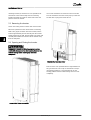
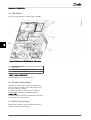
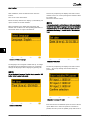
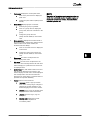
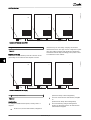
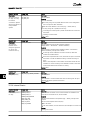
Set time as prompted by the display. Press 'OK' to select
number. Press ‘▲’ to scroll up through the numbers. Select
by pressing 'OK'.
The clock is 24-hour format.
After installation, check all cables and then close the
inverter.
Turn on AC at the mains switch.
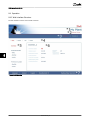
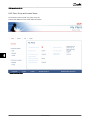
Follow the setup wizard in the display, or, alternatively, set
up the inverter via the web interface.
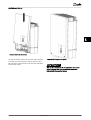
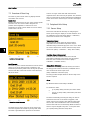
When prompted by the display select language. This
selection has no influence on the operating parameters of
the inverter and is not a grid code selection.
NOTE
It is very important to set the time and date accurately as
the inverter uses this for logging. If an incorrect time/date
is accidentally set, correct it immediately in the set date
and time menu [Setup → Inverter details → Set date and
time].
7 7
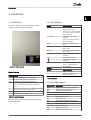
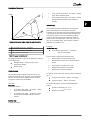
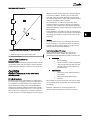
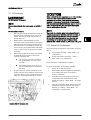
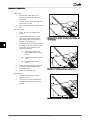
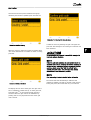
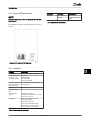
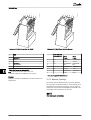
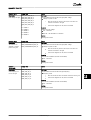
Illustration 7.4 Select Language
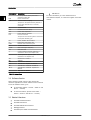
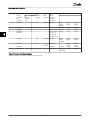
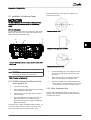
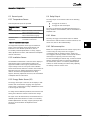
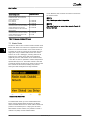
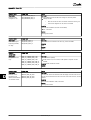
Illustration 7.6 Set Date
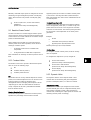
The language is set to English at initial start-up. To change
this setting press the OK button. Press ‘▼’ to scroll down
through the languages. Select language by pressing ‘OK’.
NOTE
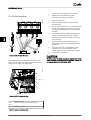
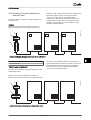
Set date as prompted by the display. Press 'OK' to select.
Press ‘▲’ to scroll up through the numbers. Select by
pressing 'OK'.
To use the default language (English) simply press the 'OK'
button twice to select and accept.
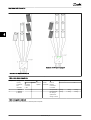
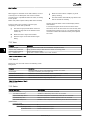
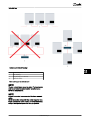
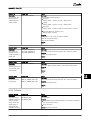
Illustration 7.7 Installed PV Power
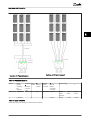
Illustration 7.5 Set Time
66
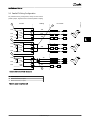
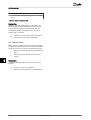
Enter the amount of installed PV power for each of the PV
inputs. When two or more PV inputs are connected in
parallel, each PV input in the parallel group must be set to
L00410320-07_02