1
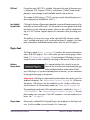
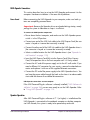
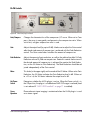
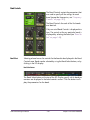
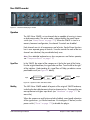
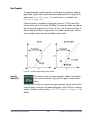
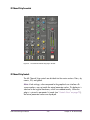
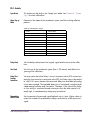
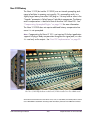
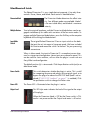
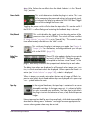
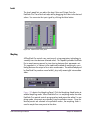
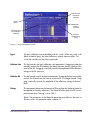
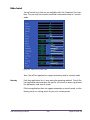
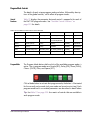
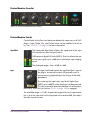
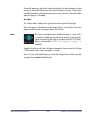
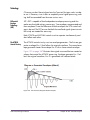
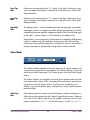
The band is soloed when its Solo button is red. Click the button to toggle the
solo state of the band. Soloing bands does not reduce UAD CPU usage.
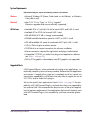
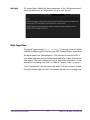
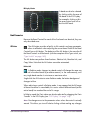
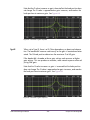
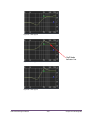
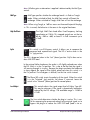
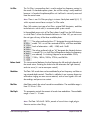
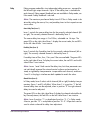
Solo Display
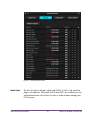
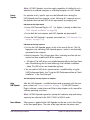
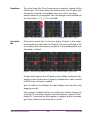
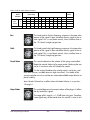
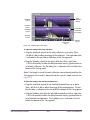
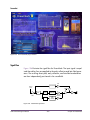
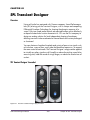
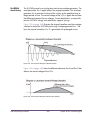
When a band is in Solo mode, its curve
in the EQ Display is highlighted.
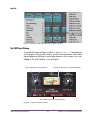
In addition to the Solo buttons,
you can also control-click a band in the
EQ Display to put any band (or bands)
into Solo mode.
Note:
Global Controls
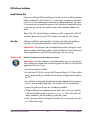
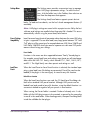
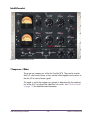
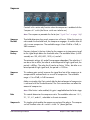
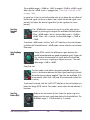
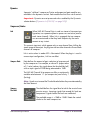
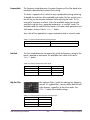
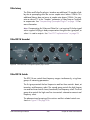
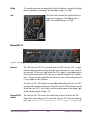
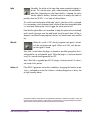
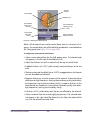
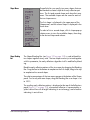
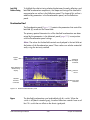
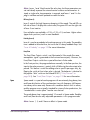
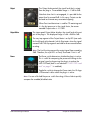
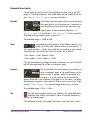
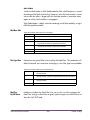
Input Level
Meter
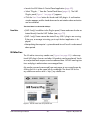
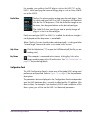
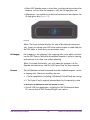
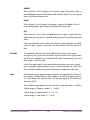
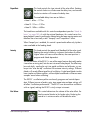
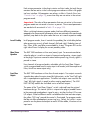
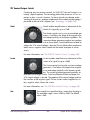
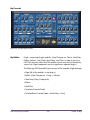
The stereo
peak/hold Input
Meter displays
the signal level at
the input of the
plug-in. Signal
peaks are held for 3 seconds before resetting.
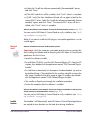
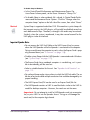
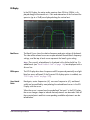
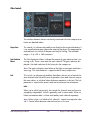
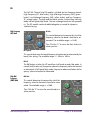
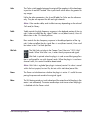
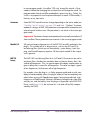
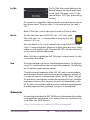
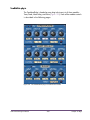
Input Level Knob
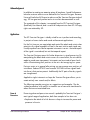
The Input Level knob controls the signal level that is input to the plug-in. Increasing the input may result in more processing, depending on the values of
the band parameters. The default value is 0dB. The available range is ±20dB.
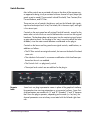
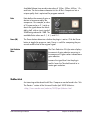
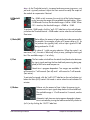
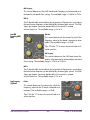
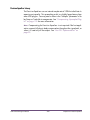
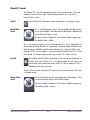
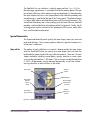
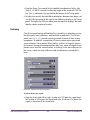
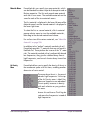
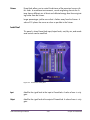
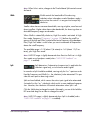
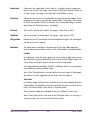
Mix
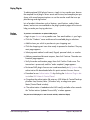
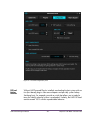
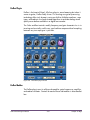
The Mix control determines the balance between the original
and the processed signal. The range is from 0% (no dynamics
processing) to 100% (wet, processed signal only). The default
value is 100%.
Note that at 0% the signal is still being processed by the band
splitter in the plug-in. In linear phase mode the splitter is inaudible, but in minimum phase mode you may hear a slight coloration of the signal at 0%.
UAD Powered Plug-Ins Manual
- 149 -
Chapter 14: Precision Multiband