1
SVAN 956 USER MANUAL
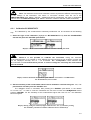
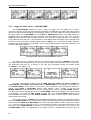
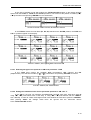
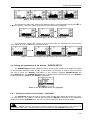
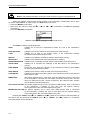
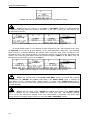
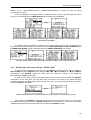
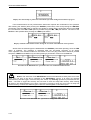
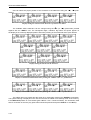
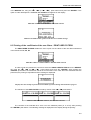
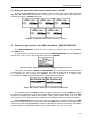
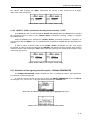
The selection of this parameter is made by means of the <>, <> push-buttons.
The confirmation of the change made in the line requires pressing the <ENTER> push-button, which
simultaneously closes the window. The FFT window is closed ignoring any changes made in there, after
pressing any time the <ESC> push-button.
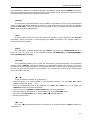
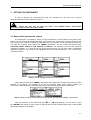
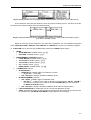
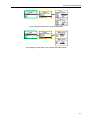
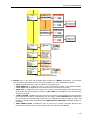
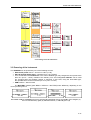
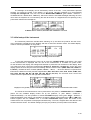
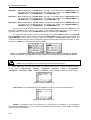
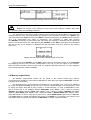
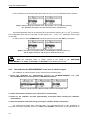
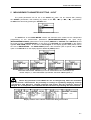
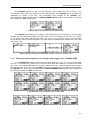
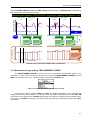
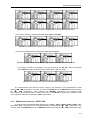
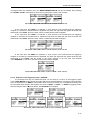
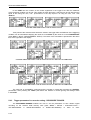
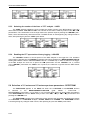
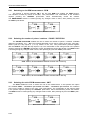
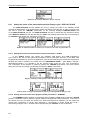
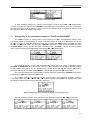
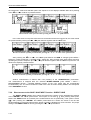
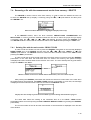
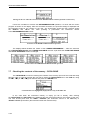
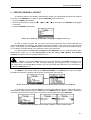
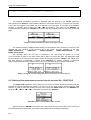
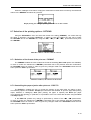
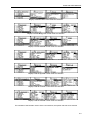
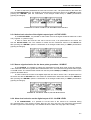
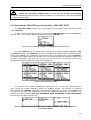
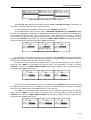
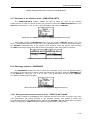
ENVELOPING window; the BAND selection
5.7.3
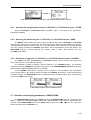
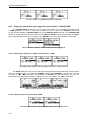
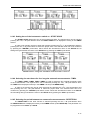
Selecting the number of the lines in enveloping spectrum - LINES
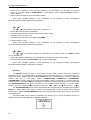
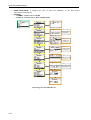
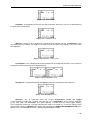
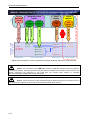
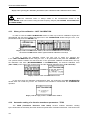
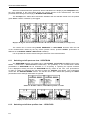
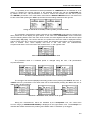
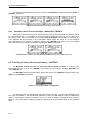
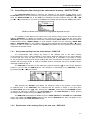
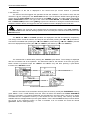
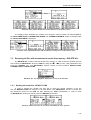
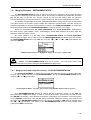
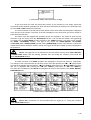
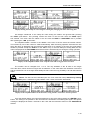
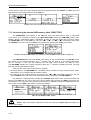
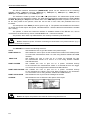
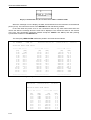
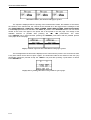
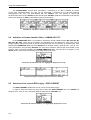
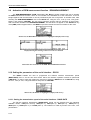
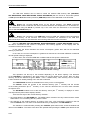
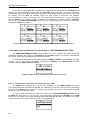
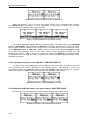
The LINES position enables the user to select the number of lines in the spectrum of enveloping.
There are three values available: 400, 800 and 1600.
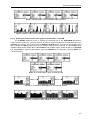
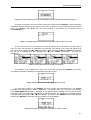
The selection of the value is made by means of the <>, <> push-buttons. The confirmation
of the change made in the position requires pressing the <ENTER> push-button, which simultaneously
closes the window. The ENVELOPING window is closed ignoring any changes made in there, after
pressing any time the <ESC> push-button.
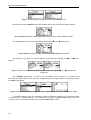
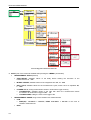
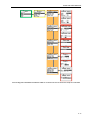
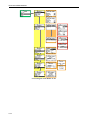
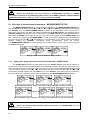
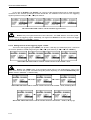
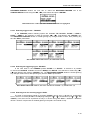
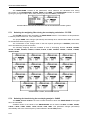
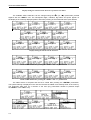
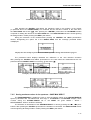
ENVELOPING window; the LINES selection
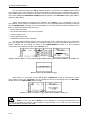
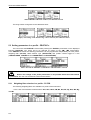
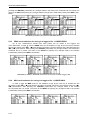
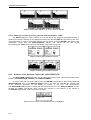
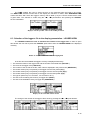
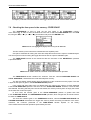
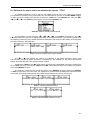
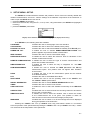
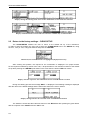
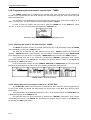
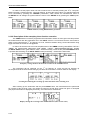
5.8 Selection of RPM measurements parameters - RPM
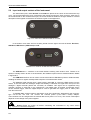
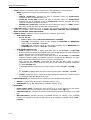
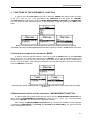
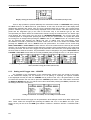
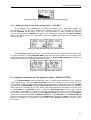
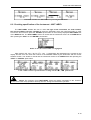
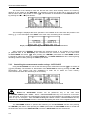
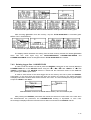
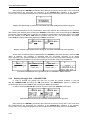
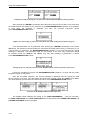
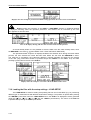
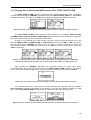
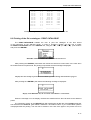
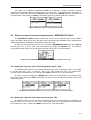
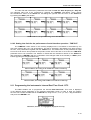
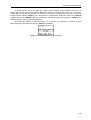
The RPM (Revolutions Per Minute) position appears in the INPUT list when the RPM function was
activated with a special code in the SETUP list (path: MENU / SETUP / RPM).
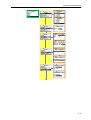
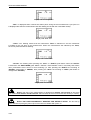
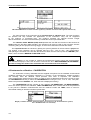
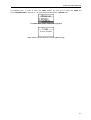
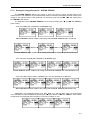
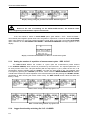
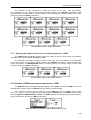
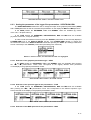
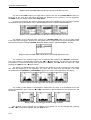
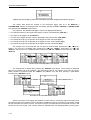
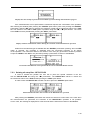
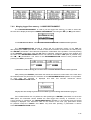
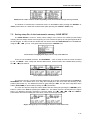
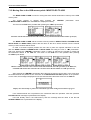
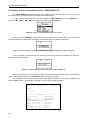
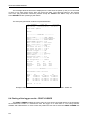
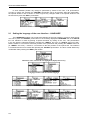
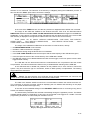
This sub-list is opened after the selection of the RPM text from the INPUT list by means
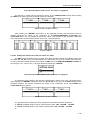
of the <>, <> (or <>, <>) push-buttons and pressing the <ENTER> one. The RPM consists of three
positions: RPM, PULSE/ROTATION and UNIT. The RPM window is closed ignoring any changes made in
there, after pressing any time the <ESC> push-button.
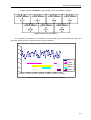
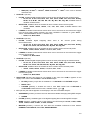
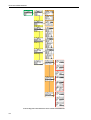
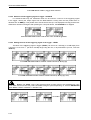
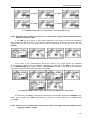
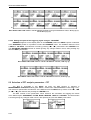
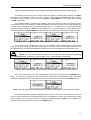
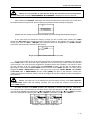
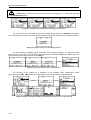
RPM selected in the INPUT list and the RPM window opened
5-25













![User Manual [PDF 779 kB]](http://vs1.manualzilla.com/store/data/005781460_1-49b4dd0a8e6377162bdb6a1daefcc9f3-150x150.png)