1
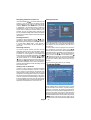
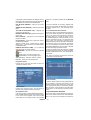
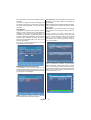
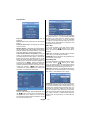
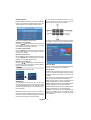
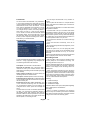
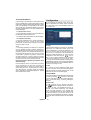
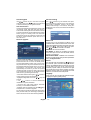
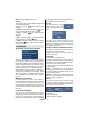
OK button again. You can set a reminder for future programs. To cancel an already set reminder, highlight that programme and press the OK button and select the option “Delete Reminder”. The reminder will be cancelled. Split Record If you select a programme to be recorded, with this feature, if there is another part of the programme available, it will also be set automatically to be recorded. For example in the following picture you see the programme highlighted, which following episode is also underlined. To do this, you have to press only the RECORD button once. The rest will be done automatically. Record/Cancel: Sets recordings for the selected programme. If you pres it again, the recording will be cancelled. OK: Pressing this button will save the latest changings and you will leave this window and go back to the EPG window. Alternatives: If you press this button, you will get alternatives for the programme which causes a conict. NOTE: A conflict is caused, if more than two programmes are set for recording in the same time interval or if two reminders have the same starting time. To solve this conict, you have to select an alternative for one of those programmes or cancel one of the reminders. Note: Split programme informations should be broadcasted by the broadcaster. Multiple/Alternative Timer Record It is possible to record or set reminder for two individual events at the same time interval. If you set more than two recordings/reminders at the same time, you will see an error message. NOTE: If there is still a conict and you leave this menu by pressing the OK button, you will see this warning message: “There are still conicts!”. In timer menu, you can see this conict as the picture below. A warning triangle will appear nearby the programmes which cause a conict. These programmes will be recorded particularly or not. INFO: Pressing this button, gives you detailed information about the selected programme. English - 11 -