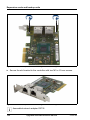
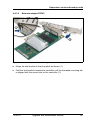
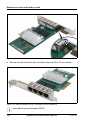
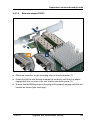
1
System board and components
14.2.3.2 Preliminary steps
Before replacing the TPM, perform the following steps:
Ê Disable BitLocker functionality as described in section "Disabling BitLocker
functionality" on page 69.
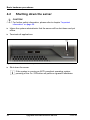
Ê Shut down the server as described in section "Shutting down the server" on
page 42.
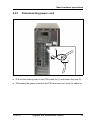
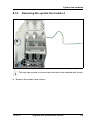
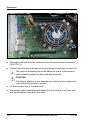
Ê Remove the AC power cord from the cable tie and disconnect it from the
system as described in section "Disconnecting power cord" on page 43.
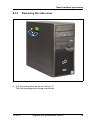
Ê Open the side cover as described in section "Removing the side cover" on
page 45.
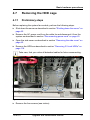
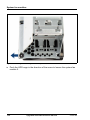
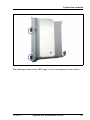
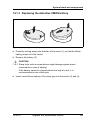
Ê Remove the HDD cage as described in section "Removing the HDD cage"
on page 61.
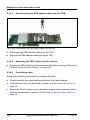
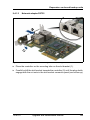
14.2.3.3 Removing the TPM
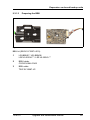
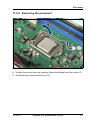
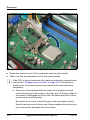
Ê Remove the TPM as described in section "Removing the TPM" on page 299.
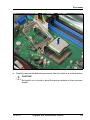
Ê Leave the TPM spacer on the system board when removing the defective
TPM.
14.2.3.4 Re-installing the TPM
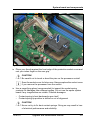
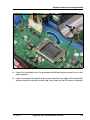
Ê The TPM spacer is already present on the system board.
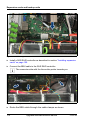
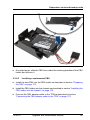
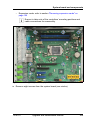
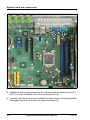
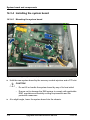
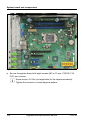
Ê Install the system board as described in section "Installing the system board"
on page 312
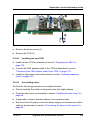
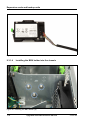
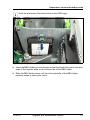
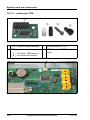
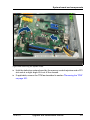
Ê Re-install the new TPM as described in section "Installing the TPM" on
page 295.
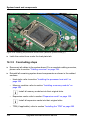
14.2.3.5 Concluding steps
Perform the following procedures to complete the task:
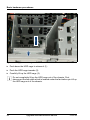
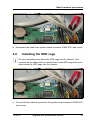
Ê Install the HDD cage as described in section "Installing the HDD cage" on
page 63
Ê Close the side cover as described in section "Installing the side cover" on
page 58.
TX100 S3
Upgrade and Maintenance Manual
305