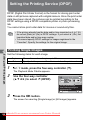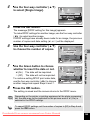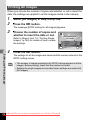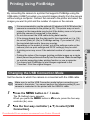
1
Setting the Camera Functions
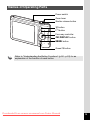
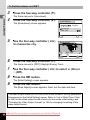
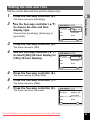
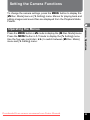
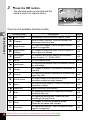
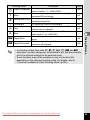
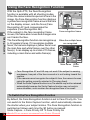
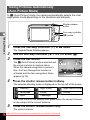
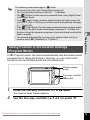
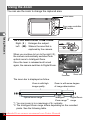
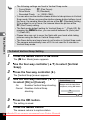
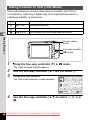
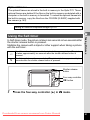
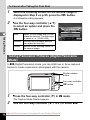
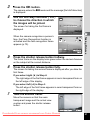
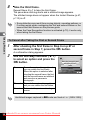
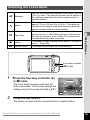
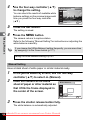
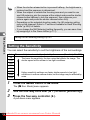
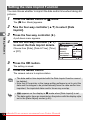
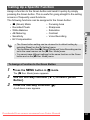
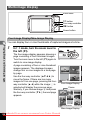
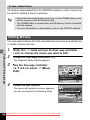
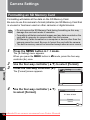
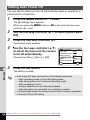
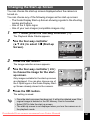
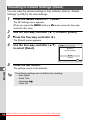
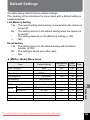
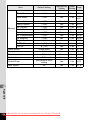
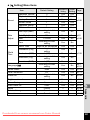
To change the camera settings, press the 3 button to display the
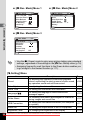
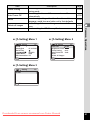
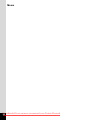
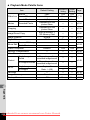
[A Rec. Mode] menu or [W Setting] menu. Menus for playing back and
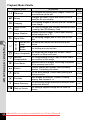
editing images and sound files are displayed from the Playback Mode
Palette.
2
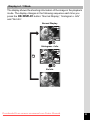
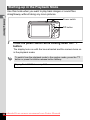
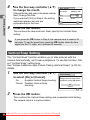
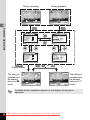
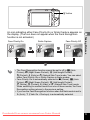
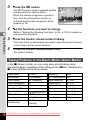
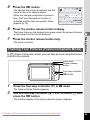
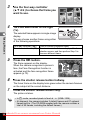
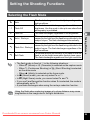
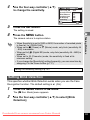
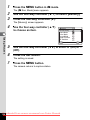
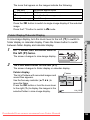
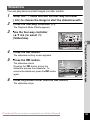
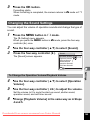
Press the 3 button in A mode to display the [A Rec. Mode] menu.
Press the 3 button in Q mode to display the [W Setting] menu.
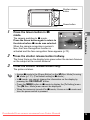
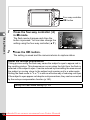
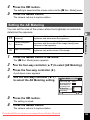
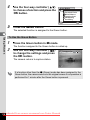
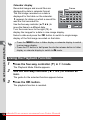
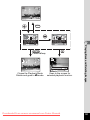
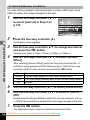
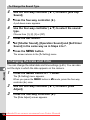
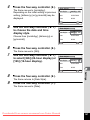
Use the four-way controller (45) to switch between [A Rec. Mode]
menu and [W Setting] menu.
Downloaded From camera-usermanual.com Pentax Manuals
Common Operations
Operating the Menus
55