1
WWW.FOSCAM.COM
FI8918E User Manual
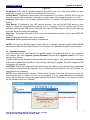
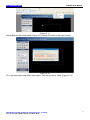
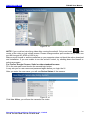
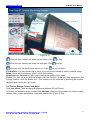
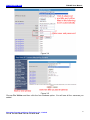
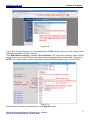
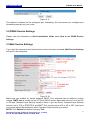
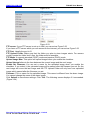
Figure 2.21
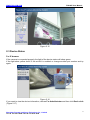
For Firefox, Google Chrome and Safari
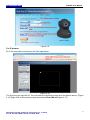
Click Device Management and you will enter the settings page for administrator.
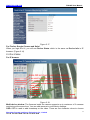
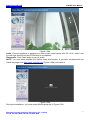
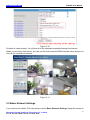
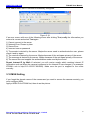
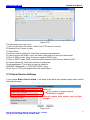
Figure 2.22
We can see the difference from Figure 2.21 and Figure 2.22.
IE has the three following options which are not the same in Firefox, Google Chrome and Safari:
Device Info: This is similar to Device Status which will have the same information as IE.
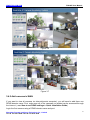
Multi-Device Settings: Since this function is controlled by activeX, it is not available in Firefox or
Google Chrome.
Back: In Firefox or Google browser, you must click Live Video or Device Status to go back.
NOTE: Record and multi-device function are controlled by activeX controller, therefore Firefox or
Google Chrome will not allow these functions.
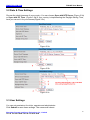
3 How to configure settings in For Administrator
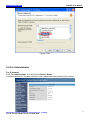
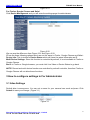
3.1 Alias Settings
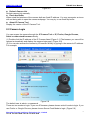
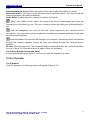
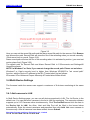
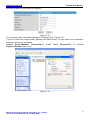
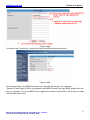
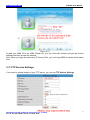
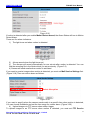
Default alias is anonymous. You can set a name for your camera here such as Ipcam. Click
Submit to save your change. (Figure 3.1)
Figure 3.1
Shenzhen Foscam Intelligent Technology Co., Limited
Tel: 86 755 2674 5668 Fax: 86 755 2674 5168
19