1
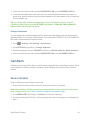
For a quick check of your battery level, glance at the battery charge indicator located in the upper right corner of your phone’s display screen. When there are approximately five minutes of talk time left, the battery icon ( ) turns red and the phone sounds a warning tone.
After an additional five minutes or so, the phone sounds a warning tone three times and then turns off.
Note: Long backlight settings, searching for service, vibrate mode, browser use, and other variables may reduce the battery’s talk and standby times.
Tip: Watch your phone’s battery level indicator and charge the battery before it runs out of power.
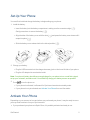
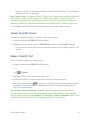
Install the Battery
n See Set Up Your Phone.
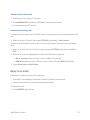
Remove the Battery
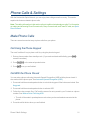
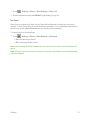
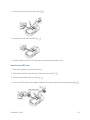
1. Make sure the power is off so that you don’t lose any stored numbers or messages.
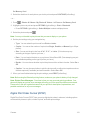
2. Slide the battery cover release latch to the right to unlock the cover (
).
3. Slide your thumbnail or a coin under the slot on either side of the phone (
cover (
) and pop off the ).
4. Remove the battery and replace the cover. See Set Up Your Phone.
Warning: Do not handle a damaged or leaking Li-Ion battery as you can be burned.
View the Display Screen
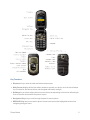
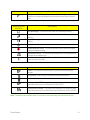
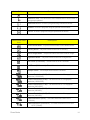
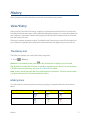
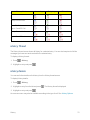
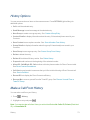
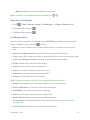
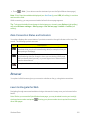
The status bar at the top of your phone’s display screen provides information about your phone’s status and options. The following tables identify the symbols you’ll see on your phone’s display screen.
Phone Basics
11