1
InfiniBand Switch Platform Hardware User Manual
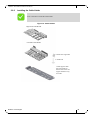
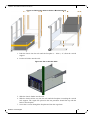
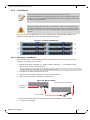
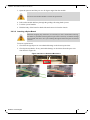
8. Slide the rail slides to the vertical rails.
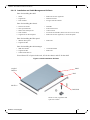
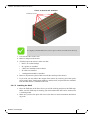
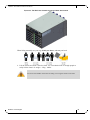
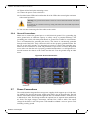
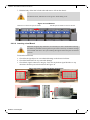
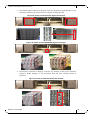
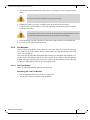
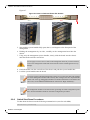
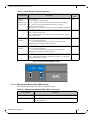
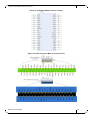
Figure 24: IS5100 Chassis on the Shelf
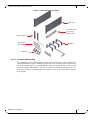
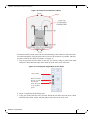
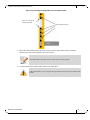
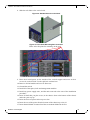
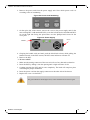
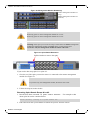
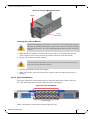
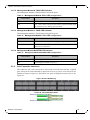
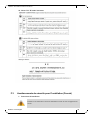
Figure 25: Face Plate Mounting Bolt Locations
Holes in the faceplate for mounting on the rack.
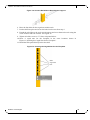
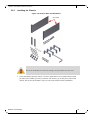
9. Place the 4 holed spacer on the outside of the vertical support and screw in the 4
screws for each rail slide. Use the split lock washers here.
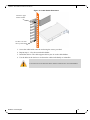
10. Remove all four handles and save for future use.
11. Ground the switch.
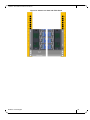
12. Install all of the spines, leafs and management modules.
13. Install any power supply units, and fan units removed at the start of the installation
procedure.
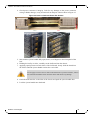
14. Insert all leafs that you plan to use, in the chassis. Start at the bottom of the chassis
and work your way up.
15. Insert the first two spines in the top two slots.
16. Insert the rest of the spines from the bottom of the chassis up to slot #3.
17. Insert thermal blanks in unused leaf slots to maintain balanced air flow.
Mellanox Technologies
37