1
Password
E n gl i s h
Video
Français
Español
2
3
4
5
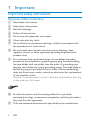
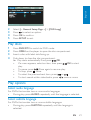
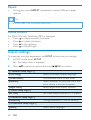
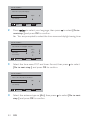
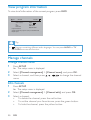
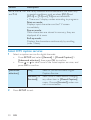
Select [-- General Setup Page --] > [OSD Lang].
Press
to select an option.
Press OK to confirm.
Press SETUP to exit.
Play discs
1
2
3
4
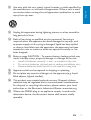
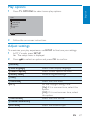
Press DVD/DTV to switch to DVD mode.
Press OPEN on the player to open the disc compartment.
Insert a disc with label side facing up.
Push down to close the disc compartment.
» Play starts automatically. If not, press
/OK.
•
If a menu appears, select an item, then press
/OK to start
play.
•
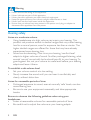
To pause, press
. Press again to resume play.
twice.
•
To stop, press
or
.
•
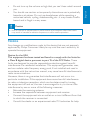
To select the previous/next item, press
•
To start search within video/audio, press / once or more.
Play options
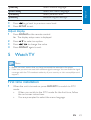
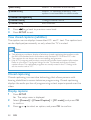
Select audio language
For DVDs that contain two or more audio languages.
•
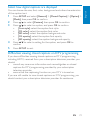
During play, press AUDIO repeatedly until the language is selected.
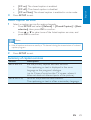
Select subtitle language
For DVDs that contain two or more subtitle languages.
•
During play, press SUBTITLE repeatedly until the language is
selected.
EN
21