1
Cranex D
3. Panoramic Exposures
After taking a Panoramic exposure
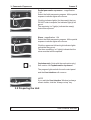
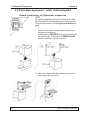
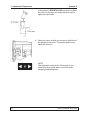
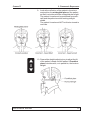
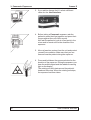
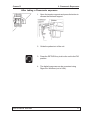
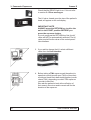
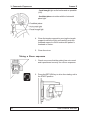
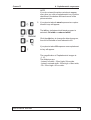
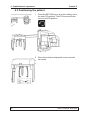
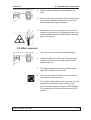
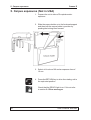
1. Open the temple supports and press the button to
release the forehead support.
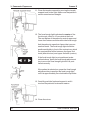
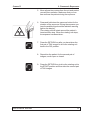
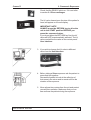
2. Guide the patient out of the unit.
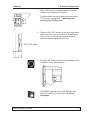
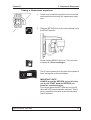
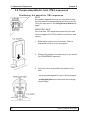
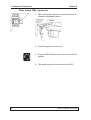
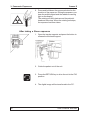
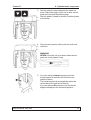
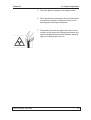
3. Press the RETURN key to drive the unit to the PIO
position.
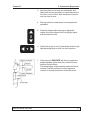
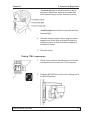
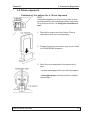
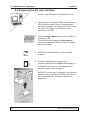
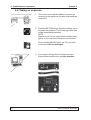
4. The digital image can now be examined using
Digora for Windows (not in USA).
User’s manual 8201083
17