1
Maintenance
8.2 Corrective maintenance
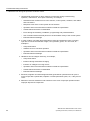
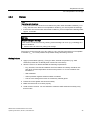
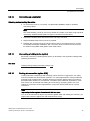
Removal
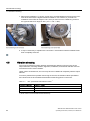
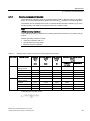
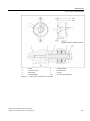
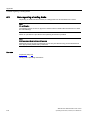
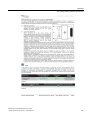
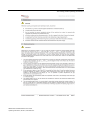
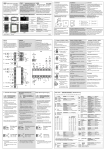
1. Unscrew the screws (1) and remove the cover (2).
2. Pull out the balancing weight (3).
3. Unscrew the screws (4) and remove the cover (5).
4. Scanning unit:
– Remove the screw (6) and clip (7).
– Remove the connector (8) for the signal cable.
– Remove the screws (9) with washers and remove the scanning unit (10).
5. Rotor:
– Pull out the rotor (11).
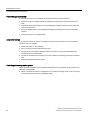
Mounting
To mount the encoder, carry out the above steps in reverse order. The following differences
should be noted, however:
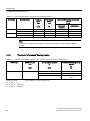
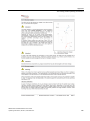
1. Heat up the rotor (11) (max. 150 °C), push it onto the motor shaft (12) and allow it to cool
down.
Note! Inductive heating is not permissible!
2. The screws (9) for attaching the scanning unit (10) are secured (e.g. with Loctite 243).
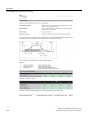
3. The mounting dimensions (see "Built-in rotor encoder") must be observed.
SIMOTICS M-1PH808/1PH810 main motors
Operating Instructions, 05/2014, 610.48004.40c
107