1
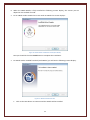
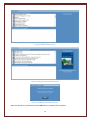
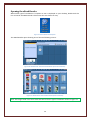
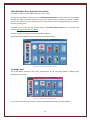
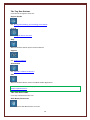
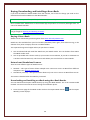
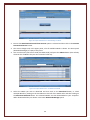
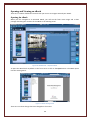
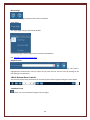
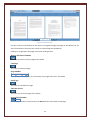
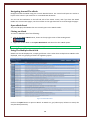
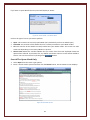
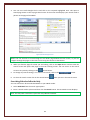
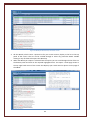
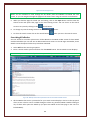
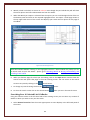
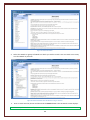
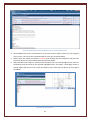
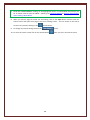
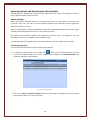
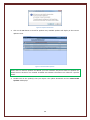
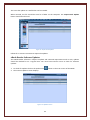
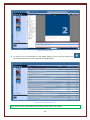
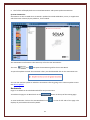
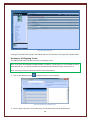
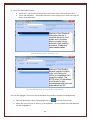
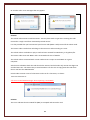
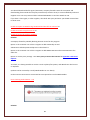
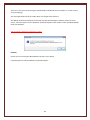
If you have no open eBooks then the panel will display as shown: Figure 58: Search eBook – No eBooks Open Click on the type of search you wish to perform. Open: This searches the currently open eBook (only available if you have an eBook open) Unlocked: This searches all the eBooks that are currently unlocked on your eBook reader. All: This searches all the eBooks currently loaded into your eBook reader. This search can take some time depending on how many eBooks are present. Choose from a list: This searches eBooks that you select from the menu displayed below this option when selected. If you select this, any eBooks you further select to search will be added to this list. You can reset this list by clicking on the button Search The Open eBook Only 1. Select Open from the search type options. 2. Enter a search word or phrase and then click the Search button. The Hit Details screen displays. Figure 59: Hit Details Screen 41