1
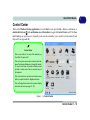
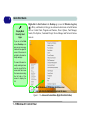
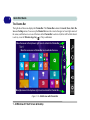
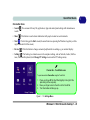
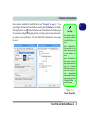
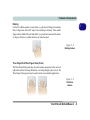
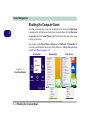
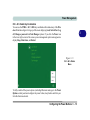
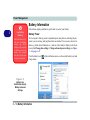
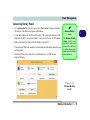
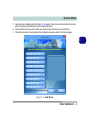
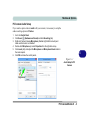
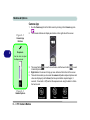
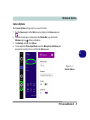
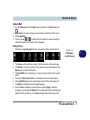
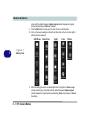
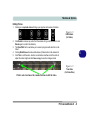
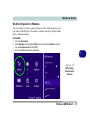
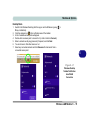
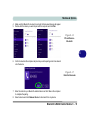
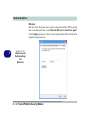
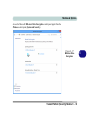
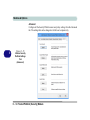
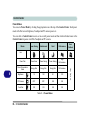
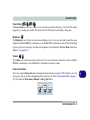
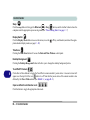
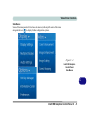
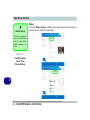
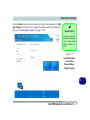
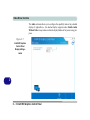
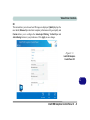
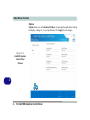
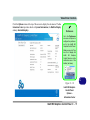
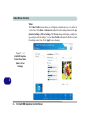
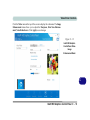
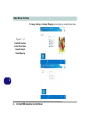
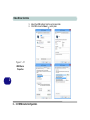
Quick Start Guide Charms Bar Items • Search results. • Share : You can search for any file, application, Apps and control panel settings with instantaneous : This button is used to share information with people via mail or social networks. • Start : Click to bring up the Start screen (the same function as pressing the Windows Logo Key or clicking the bottom left of the screen). • Devices : Click this button to change connected peripheral device settings e.g. an external display. • Settings : This button gives instant access to the computer settings, such as Network, Audio, Notifications, Power and Keyboard (click Change PC Settings to activate the PC Settings menu). Charms Bar - TouchPad Access To quick access the Charms Bar using the TouchPad: 1. 2. 3. Place your finger off the TouchPad (slightly to the right of the pad resting on the computer). Move your finger across to the left on to the TouchPad. The Charms Bar will then pop-up. Figure 1 - 15 - Settings Menu Windows 8.1 Start Screen & Desktop 1 - 23 1